
RecordLocal
Coming soon
Unlimited screen recording that stays on your device.
- Chrome
- Edge
- Firefox

Browser extension by A2Z Tools
Save a webpage exactly as it is, before it changes.
Save complete snapshots of web pages with notes and tags into a searchable library on your device, and compare versions.
 Chrome Web StoreComing soon for Chrome
 Microsoft Edge Add-onsComing soon for Edge
 Firefox Add-onsComing soon for Firefox
We are preparing the store listings. The buttons switch on as soon as each store approves the extension; there are no unofficial downloads.
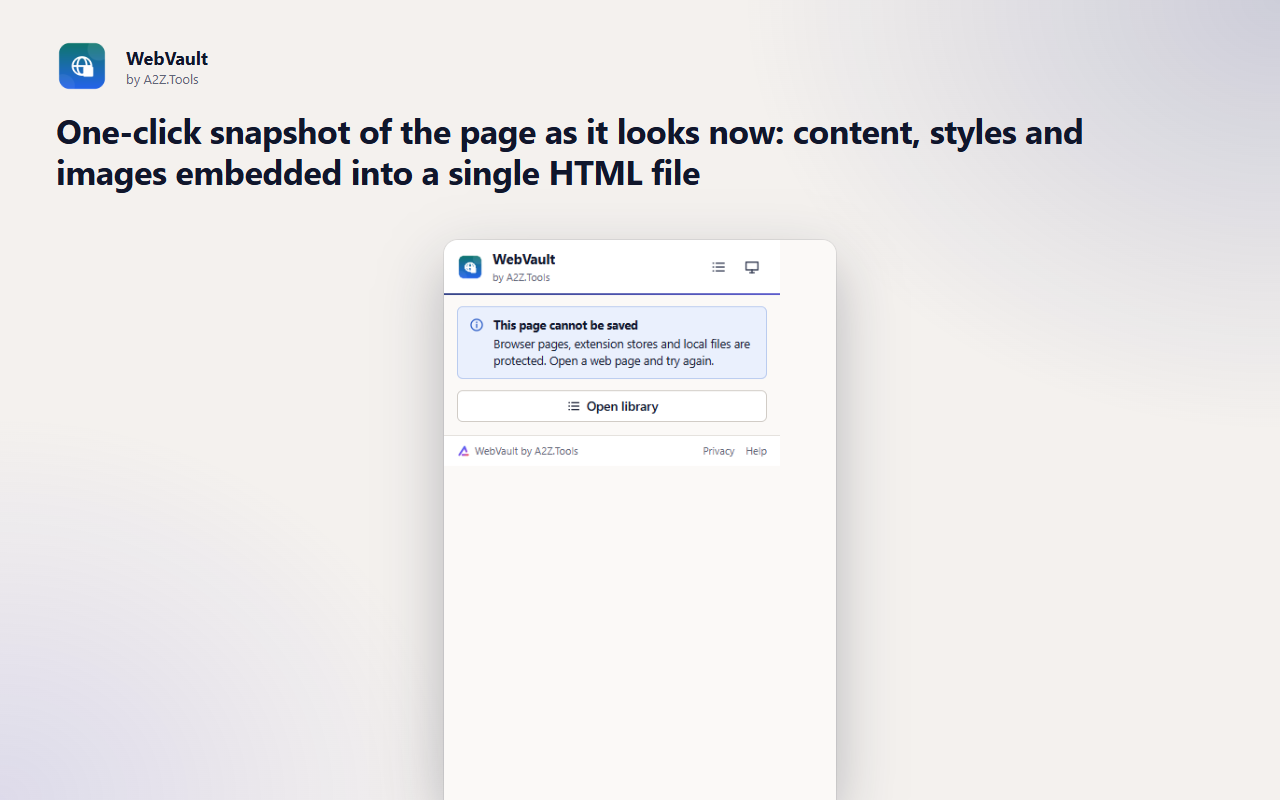
Web pages change. Prices move, policies are rewritten, application statuses update and articles get edited or taken down. WebVault keeps a copy of the page exactly as it looked when you saved it, with the text, layout and images embedded in a single file on your computer.
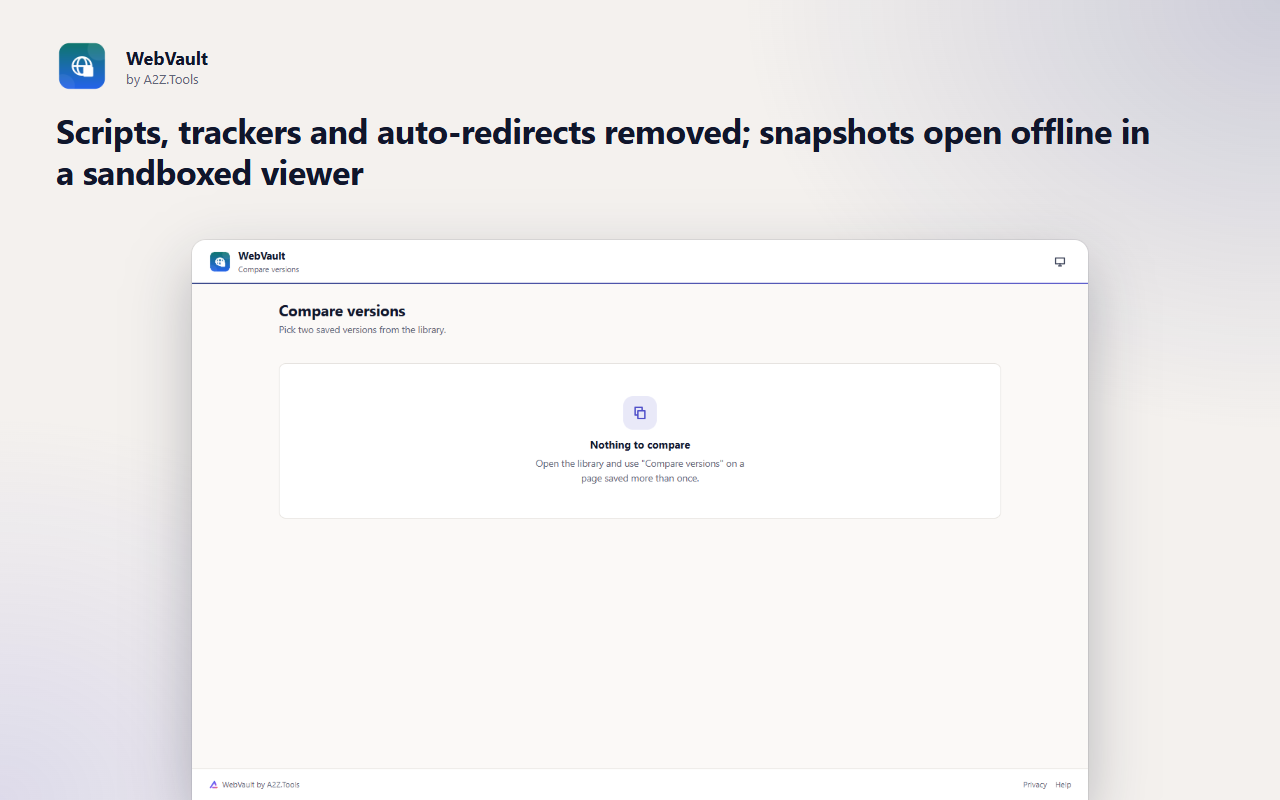
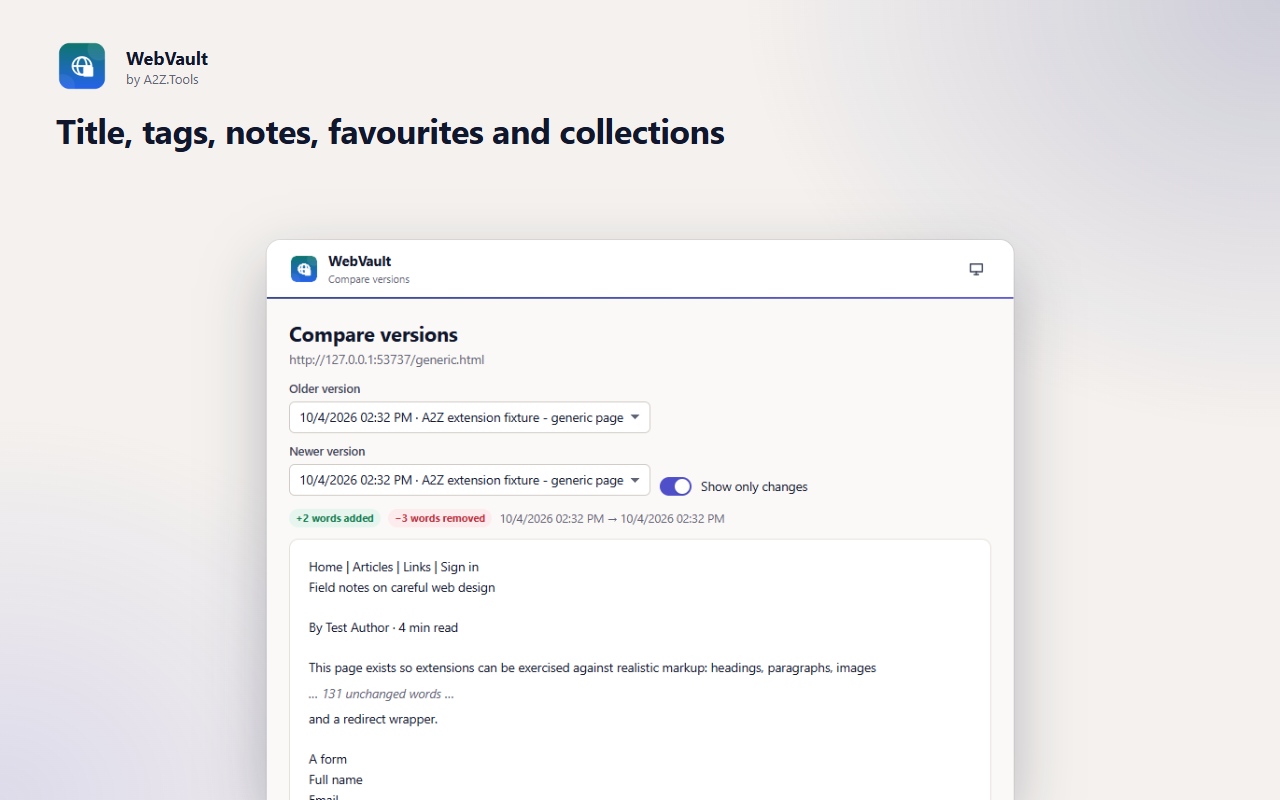
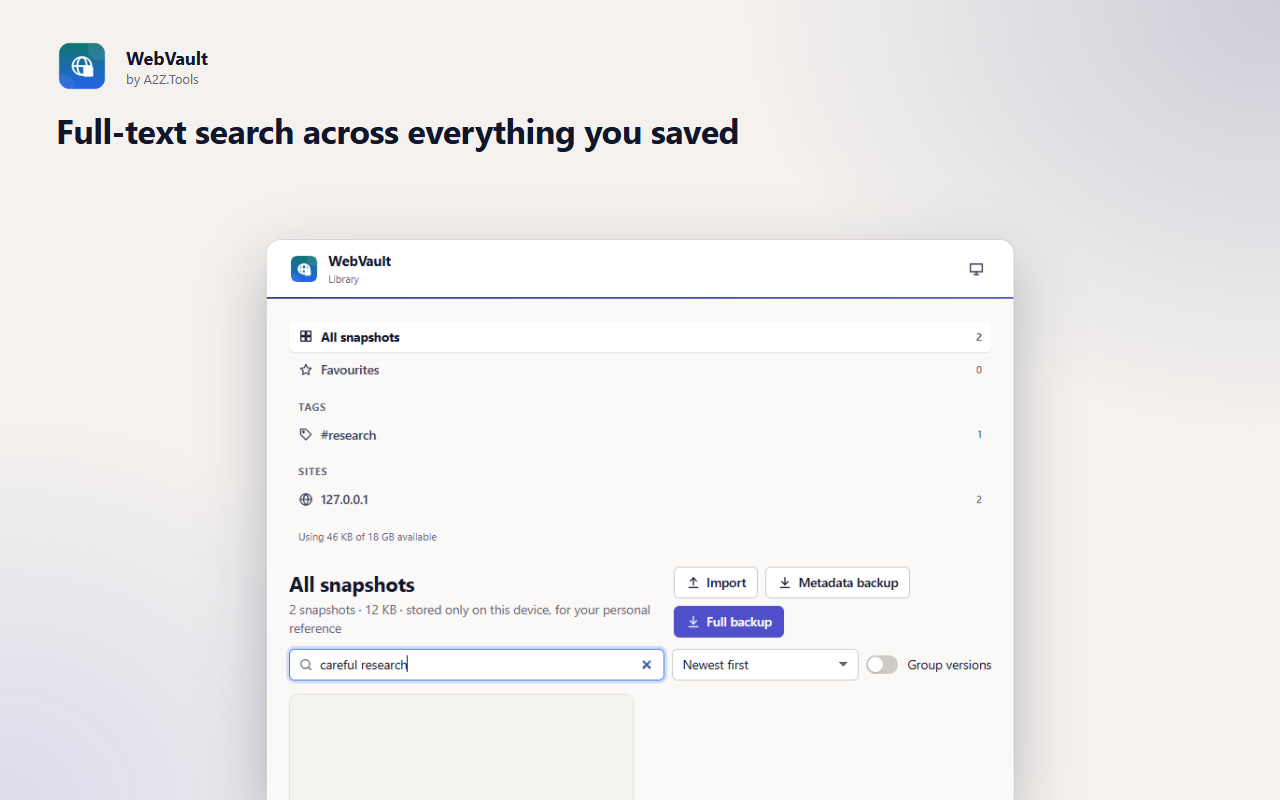
Every snapshot is cleaned before it is stored: scripts, trackers and automatic redirects are removed, password and hidden form values are cleared, and saved pages open in a sandboxed, offline viewer. Tag them, add notes, search everything you have saved, and when you save the same page again, compare the two versions word by word.
Shortcuts can be changed in your browser's extension shortcut settings.
Snapshots, notes and tags are stored only on this device. WebVault never captures anything unless you ask, makes no network requests of its own, and has no account, analytics or tracking.
Only the page you choose to save, at the moment you save it: its visible content, styles, images, title, address and a screenshot thumbnail of what you see.
IndexedDB in the extension's own storage in this browser profile. Password fields and hidden form values are cleared before saving; scripts are removed.
WebVault itself contacts no server. When you save, the page's own images, stylesheets and fonts are re-read from where the page already loaded them, so they can be embedded in the snapshot. Viewing a snapshot is offline by default.
Until you delete a snapshot or uninstall the extension. Backups you export are files you control.
No account, no analytics, no advertising, no selling or sharing of data, and no remotely hosted code.
Gives WebVault access to the current tab only at the moment you click Save, use the right-click menu or press the shortcut. It cannot read any other tab or any page on its own.
Runs the snapshot script in the tab you chose to save, to copy the page's content, styles and images.
Adds "Save page to WebVault" to the right-click menu.
Remembers your light/dark theme choice.
Snapshots include the page's images and styles and can be several megabytes each; this stops the browser from deleting your saved pages when the default extension quota fills up.
| Browser | Minimum version | Store |
|---|---|---|
| Google Chrome |
120 | Coming soon |
| Microsoft Edge |
120 | Coming soon |
| Mozilla Firefox |
140.0 | Coming soon |
In your browser, in the extension's own storage on this device. WebVault has no server and no account. Use Full backup to move your vault to another computer.
Usually very close. Styles and images the page is allowed to share are embedded. Some resources from other sites cannot be read and some interactive parts (videos, maps, logged-in widgets) are not captured.
No. It only captures a page when you click Save, use the right-click menu or press the shortcut.
Yes. Save the page again later; the library shows both versions and Compare highlights words that were added or removed.
Coming soon
Unlimited screen recording that stays on your device.

Coming soon
Better controls for videos on the web.

Coming soon
Capture anything, extract its text, hide private information.
Questions, bugs or ideas for WebVault? Contact the A2Z Tools team.