Free Telegram Chat Widget

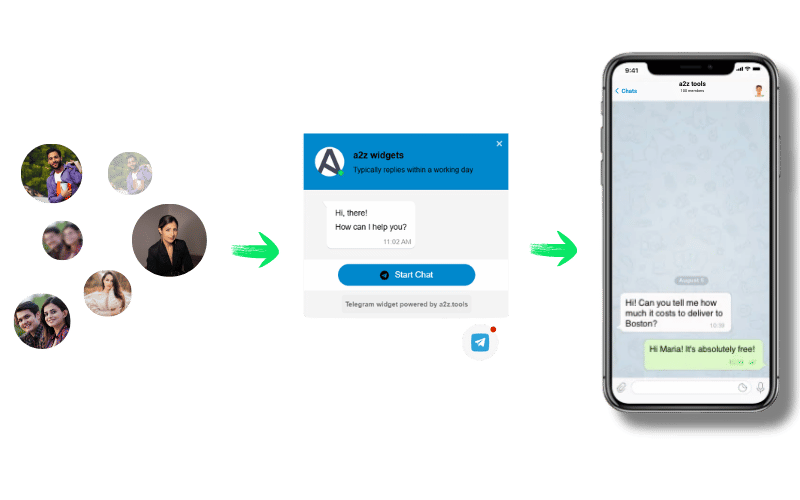
Easily add a Telegram chat widget to your website for instant messaging. Engage visitors, provide support, and boost conversions. No coding needed—customize, copy the code, and integrate it effortlessly!

Trusted by over 1,00,0000 small Business,

Key Features of a Telegram Widget!

Create Telegram Widget
bubble

Quickest way to message

Allow visitors to connect with you instantly via Telegram, ensuring fast and seamless communication.

Widget Customization

Personalize the chat widget with colors, icons, and greetings to match your website’s branding.

Automated Greetings

Send instant welcome messages to engage visitors and enhance customer interactions.

Availability Status

Display your online status so users know when you're available, improving response times.

Lead Generation and Customer Support

Capture leads, provide real-time support, and boost customer satisfaction effortlessly.

Why do I need a2z Telegram Widget?

why_i

Be quick and simple to contact

Enable instant Telegram chats, making it easy for visitors to reach you in one click.

why_i

Improve customer service quality

Enhance support with fast replies, automated messages, and better engagement.

why_i

Raise sales via consulting

Convert visitors into customers by offering real-time guidance and support.

heart

Why our customers love
our Telegram Widget.

det

Increase the followers of your channel using Telegram widget

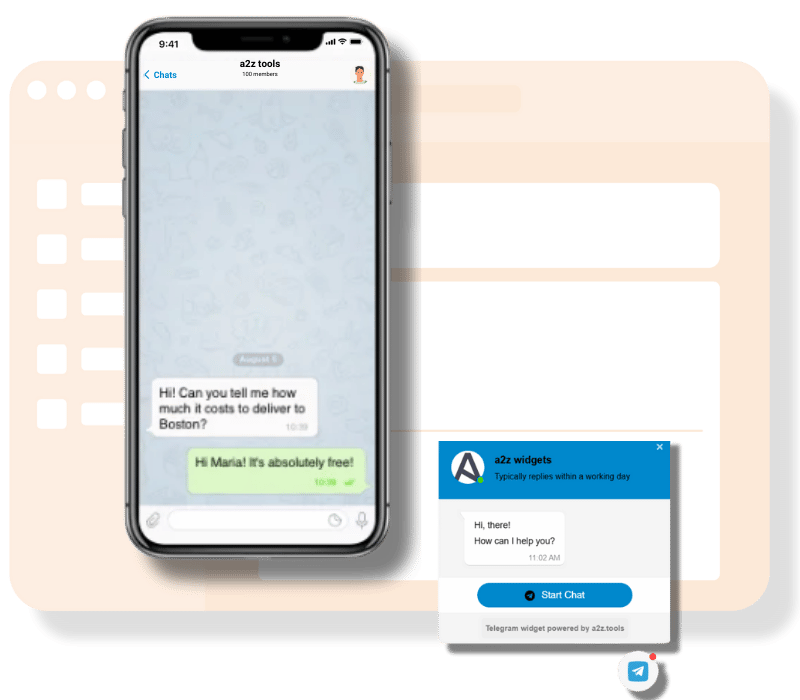
Improve user experience by allowing users to contact you via the A2Z Telegram chat widget for assistance or additional information not immediately available on your website. This widget will allow your website visitors to connect with you through just a few clicks. It will also allow you to engage with your customers when free.

Telegram Chat on the Website

Provide personalised customer experience through Telegram widget

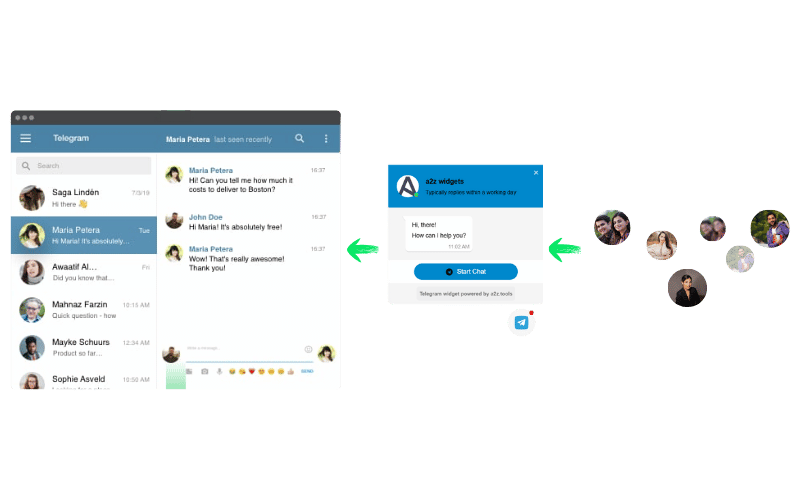
Use a simple code generated by the A2Z tool and embed the Telegram Public Channel or Group Feed anywhere on your website. Users of Telegram can quickly contact you and carry on a conversation with you even after leaving your website with the help of a Telegram widget. Contrary to this, website chat requires users to stay on the page to send and receive messages. A Telegram widget offers another option to gather leads. So don't ignore the chance of giving your website visitors an opportunity to discuss your product or services via Telegram.

det

What Our Customer Says about Us!

review_img
Akash Dev
– Small Business Owner

"Easy to set up and works flawlessly! My customers can now reach me instantly via Telegram. Love it!"

review_img
Priya S.
– Freelance Designer

"Great tool! It made customer support faster and more efficient. Highly recommend!"

review_img
Amlan K.
– E-commerce Manager

"This widget improved my website’s engagement and response time. Simple and effective!"

review_img
Sophia M.
– Digital Marketer

"A must-have for any business! Helps me connect with customers in real-time with no hassle."

review_img
Carlos L.
– Tech Enthusiast

"I love how customizable this widget is. It blends perfectly with my website’s design!"

review_img
Emma T.
– Blogger

"Fast, reliable, and easy to use. The best Telegram chat widget I’ve come across!"

review_img
Ravi P.
– Travel Agent

"My support team responds quicker now, improving customer satisfaction. Great tool!"

review_img
Laura C.
– Real Estate Agent

"Seamless integration and no coding required. Works smoothly on both desktop and mobile!"

review_img
Ben H.
– Fitness Trainer

"Perfect for customer support and lead generation. My sales have improved since using it!"

Frequently Asked Questions (FAQ)

The Free Telegram Chat Widget allows visitors to message you instantly via Telegram, improving engagement and support.

Customize the widget, copy the provided code, and paste it into your website’s HTML. No coding skills are needed.

Yes, you can modify colors, greetings, and icons to align with your website’s branding.

Yes, it works seamlessly on both desktop and mobile devices, ensuring smooth communication

Yes, our Telegram Chat Widget is completely free with no hidden costs or subscriptions.

Quick answer

Customize your Telegram username/link and widget appearance on the builder, then copy the generated embed code into your website's HTML to show a floating Telegram chat button.

Key facts

How to use it

  1. Open the Telegram widget builder.|Enter your Telegram username or link and customize the widget's appearance.|Preview the widget.|Copy the generated embed code and paste it into your website's HTML.

Common use cases

Offering Telegram-based customer support on a business website.|Reaching visitors who prefer Telegram over other messaging platforms.|Providing an alternative contact channel alongside other chat widgets.|Increasing response rates for regions where Telegram is popular.

Limitations

Visitors need Telegram installed (or Telegram Web) to use the button; the widget links out to Telegram rather than hosting chat on your website directly. You are responsible for pasting the code into your own website's HTML.

Privacy & your data

This page provides a widget-embed builder. The contact number/link you enter is embedded directly into the generated code that you copy and paste into your own website -- it is not sent to or stored on the A2Z Tools server as part of using the widget on your site. The actual chat conversations happen entirely within the linked platform (WhatsApp, Messenger, Telegram, or Viber), not through A2Z Tools.

Frequently asked questions

Do I need a Telegram Business account?
A regular Telegram account with a public username works for this widget.
Does the widget store any chat messages?
No. The widget only links to Telegram -- the actual conversation happens within Telegram itself, not on your website or through A2Z Tools' servers.
Can I customize the widget's appearance?
Yes. You can typically customize the icon and widget position before copying the embed code.
Is this widget free?
Yes, generating and using the Telegram chat widget is free.

Related tools

Last reviewed: