CaptureSafe
Coming soon
Capture anything, extract its text, hide private information.
- Chrome
- Edge
- Firefox

Browser extension by A2Z Tools
Unlimited screen recording that stays on your device.
Record a tab, window or screen with microphone and webcam, then trim and export WebM or GIF. Nothing is uploaded.
 Chrome Web StoreComing soon for Chrome
 Microsoft Edge Add-onsComing soon for Edge
 Firefox Add-onsComing soon for Firefox
We are preparing the store listings. The buttons switch on as soon as each store approves the extension; there are no unofficial downloads.
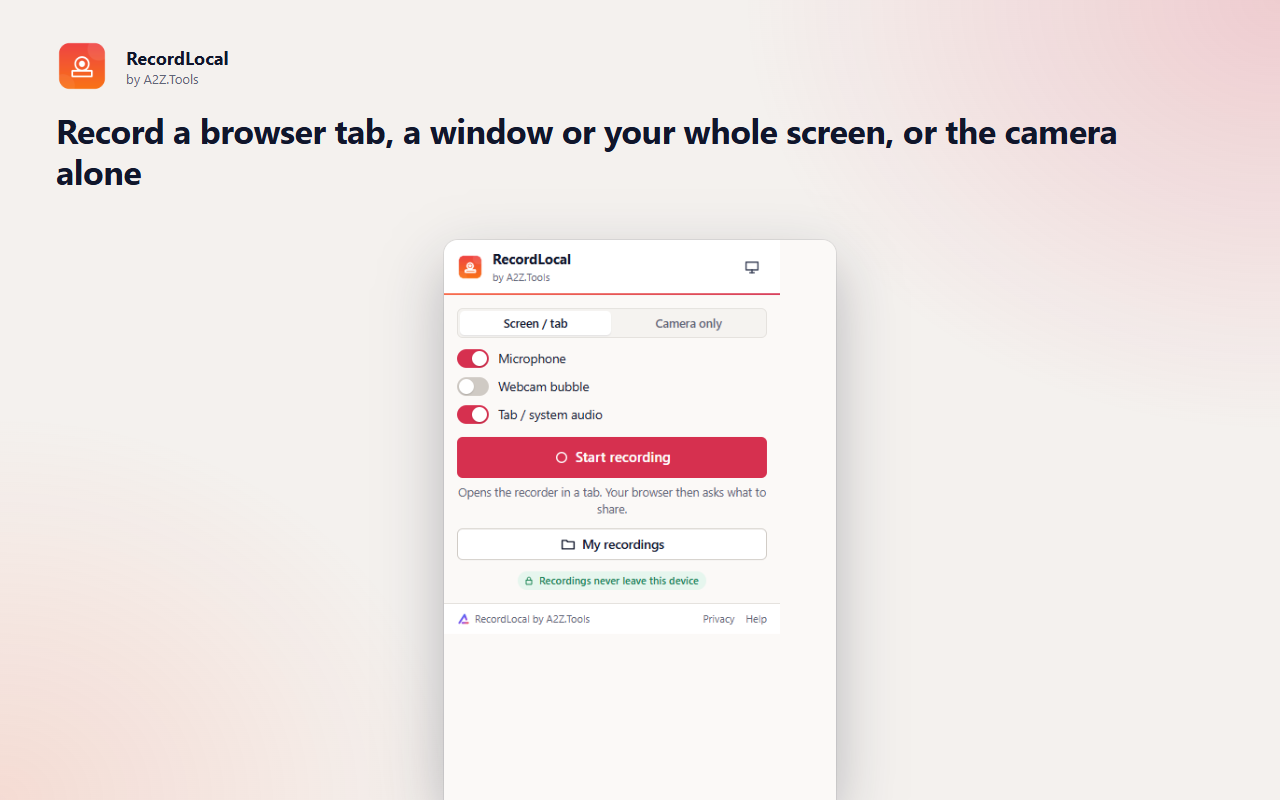
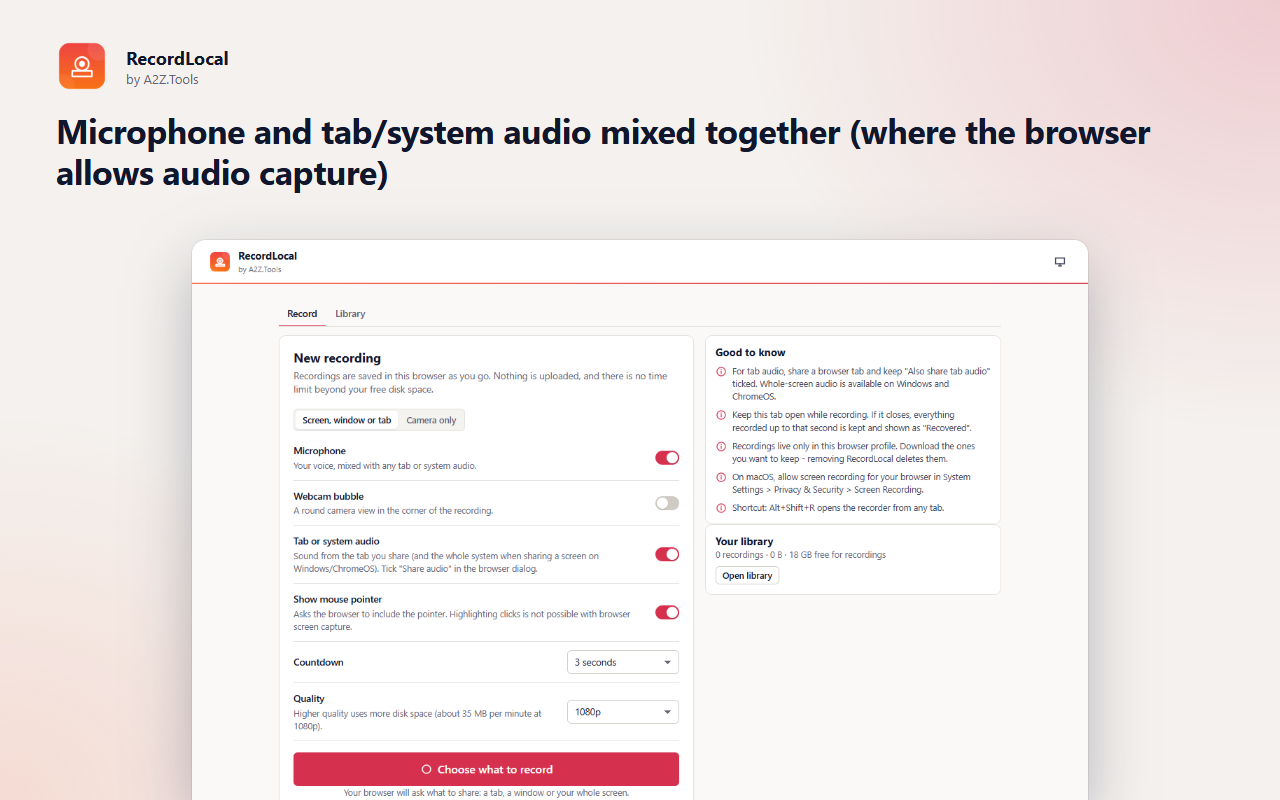
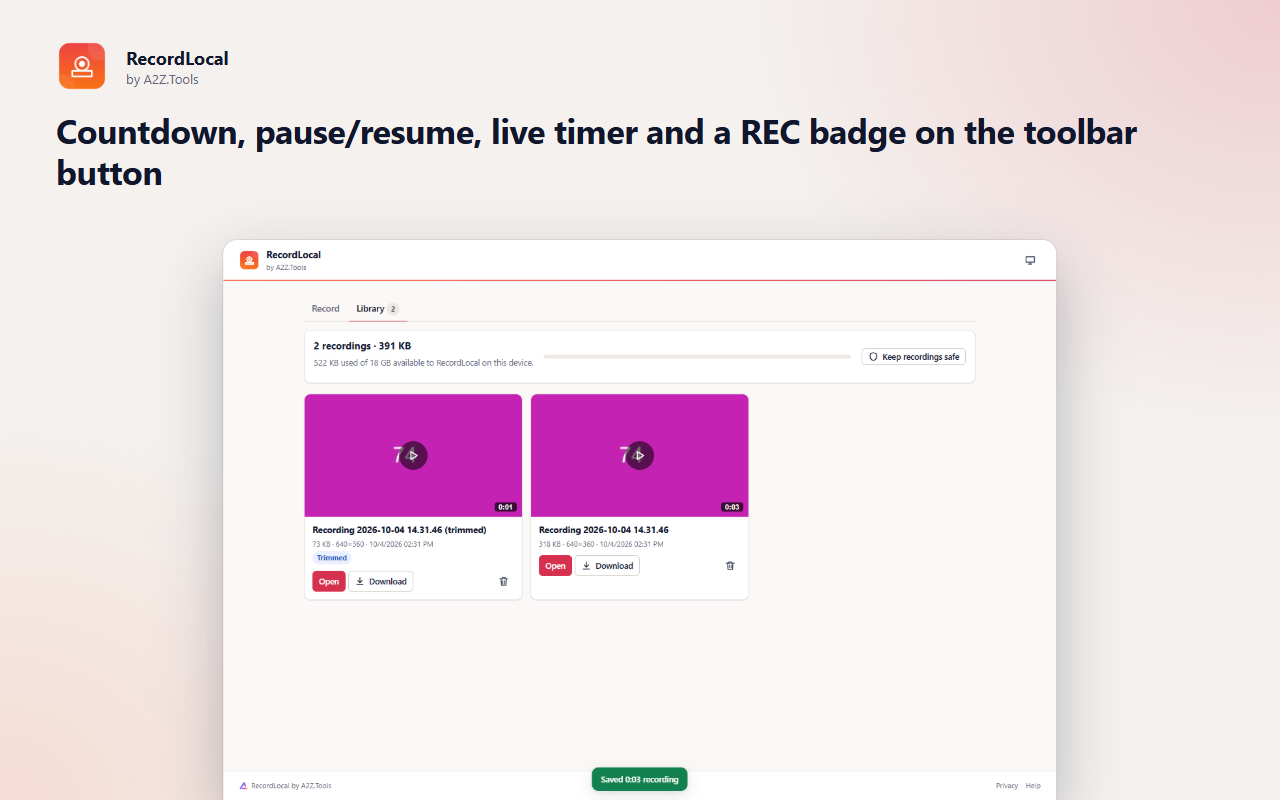
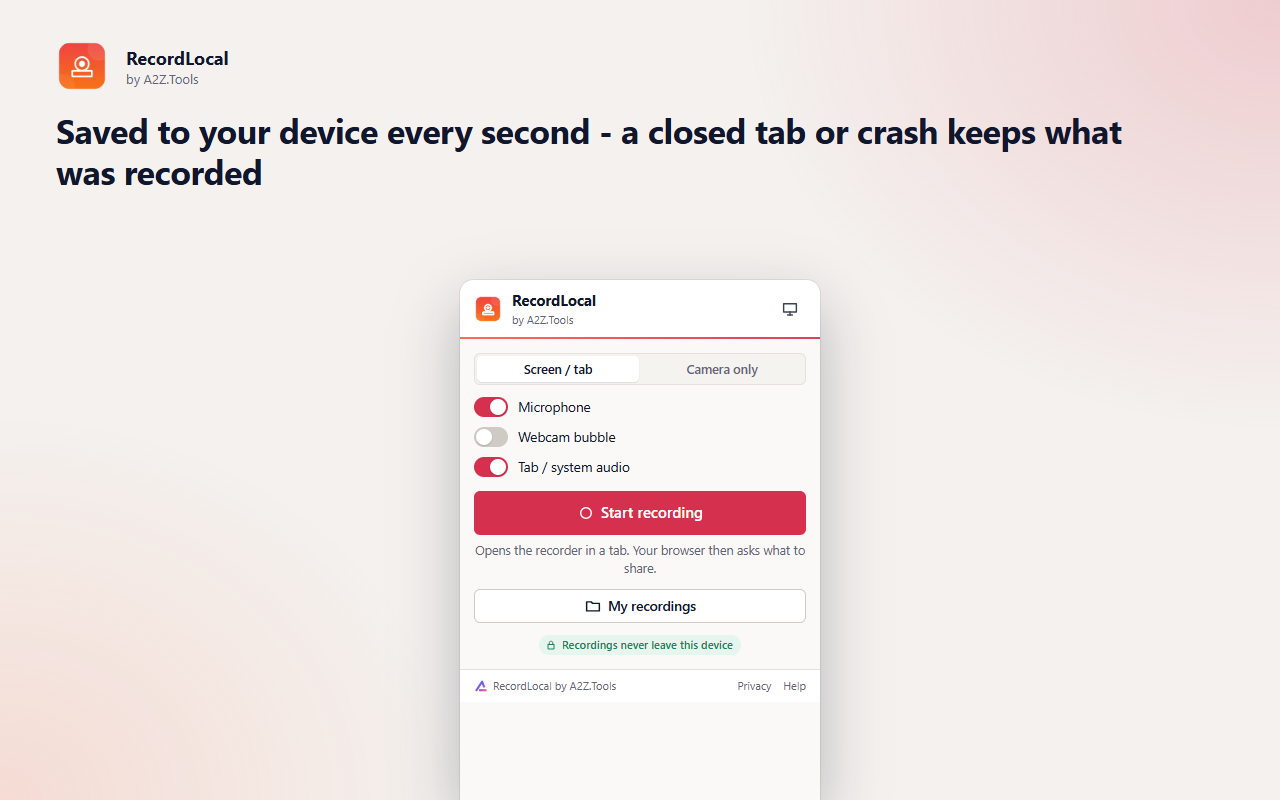
RecordLocal is a screen recorder that never sends your video anywhere. Record a browser tab, a window, your whole screen or just your camera, add your microphone and a webcam bubble, and the recording is written straight into your browser's local storage as you go.
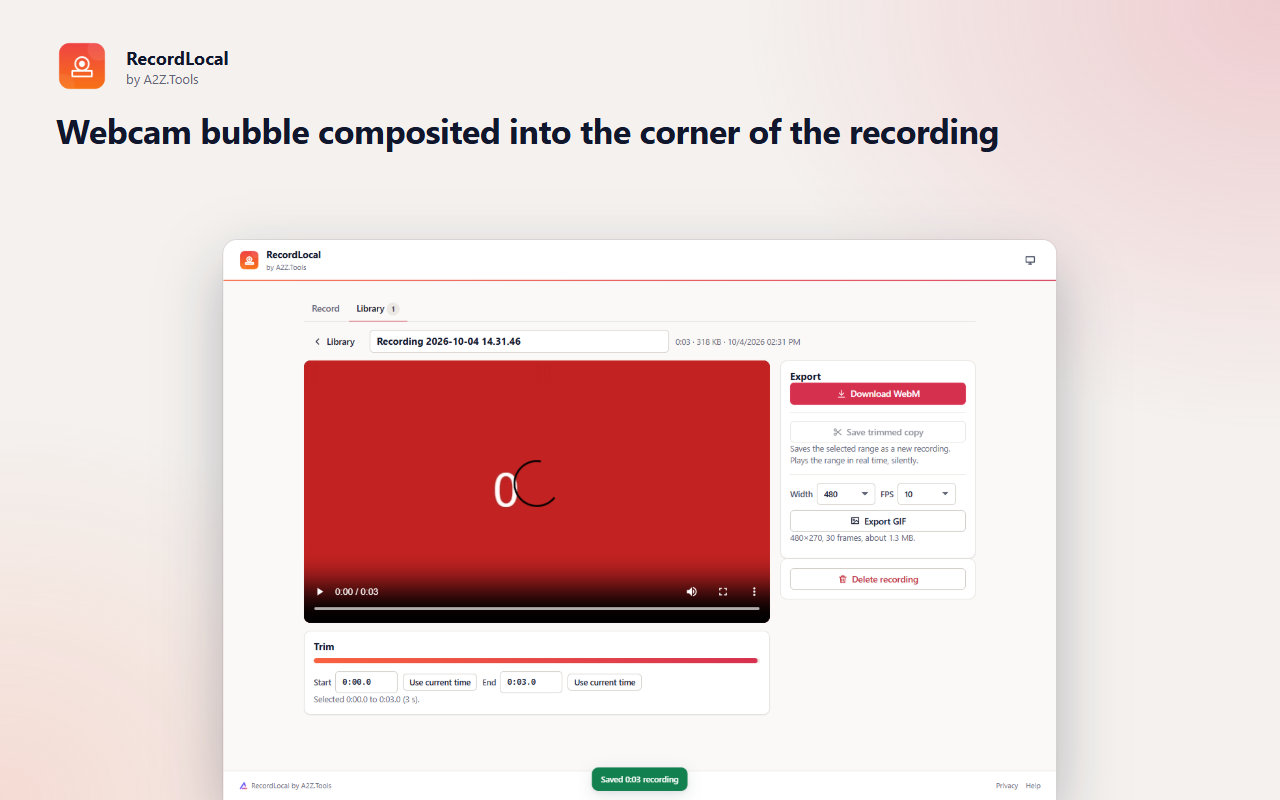
When you stop, the recording is ready in your library: play it back, rename it, cut it down to the part you need, download a WebM, or turn a few seconds into an animated GIF for a bug report or a chat. There is no account, no watermark, and no time limit other than your free disk space.
Because it relies on the browser's own screen-sharing dialog, RecordLocal cannot see anything until you choose it, and capture ends the moment you press Stop or the browser's "Stop sharing" button.
Shortcuts can be changed in your browser's extension shortcut settings.
Recordings are made and kept in this browser. RecordLocal has no servers, no account, no analytics and never uploads anything. Screen, camera and microphone are only used after you choose them in the browser's own permission dialogs.
Only what you choose to share in the browser's screen-sharing dialog, plus your microphone and camera when you turn them on. RecordLocal cannot see anything before you pick it, and capture stops when you press Stop or the browser's "Stop sharing".
Recordings (video chunks, thumbnails, names) in the extension's IndexedDB database on this device; preferences in storage.local.
None. RecordLocal never contacts any server.
Until you delete a recording or remove the extension (which deletes all recordings). Download recordings you want to keep.
No account, no analytics, no advertising, no selling or sharing of data, and no remotely hosted code.
Saves your recording preferences (source, microphone, webcam, countdown, quality) on this device.
Screen recordings are large. This lets RecordLocal keep them in the browser's local database on your device without hitting the small default quota. Nothing is uploaded.
| Browser | Minimum version | Store |
|---|---|---|
| Google Chrome |
120 | Coming soon |
| Microsoft Edge |
120 | Coming soon |
| Mozilla Firefox |
140.0 | Coming soon |
No. RecordLocal has no servers. Recordings are saved in your browser on this device, and they only leave it if you download the file and share it yourself.
No fixed limit. Recordings are saved every second to your disk, so the only limit is free space. A 1080p recording uses roughly 35 MB per minute.
In Chrome and Edge you can record a tab's audio on every system, and whole-screen audio on Windows and ChromeOS. Firefox does not offer tab or system audio to extensions, so record your microphone there.
WebM video with VP9 or VP8 and Opus audio, which plays in every modern browser and most players. Short clips can also be exported as animated GIFs.
Everything recorded up to that moment has already been saved. Next time you open RecordLocal it appears in the library marked "Recovered".
Coming soon
Capture anything, extract its text, hide private information.

Coming soon
Save a webpage exactly as it is, before it changes.
Coming soon
Use the useful parts of websites without the addictive feeds.
Questions, bugs or ideas for RecordLocal? Contact the A2Z Tools team.