DraftGuard
Coming soon
Never lose what you typed into a website again.
- Chrome
- Edge
- Firefox
Browser extension by A2Z Tools
Tell me when this part of a webpage changes.
Watch any part of a web page and get notified when it changes: stock, prices, slots, results or any text you pick.
 Chrome Web StoreComing soon for Chrome
 Microsoft Edge Add-onsComing soon for Edge
 Firefox Add-onsComing soon for Firefox
We are preparing the store listings. The buttons switch on as soon as each store approves the extension; there are no unofficial downloads.
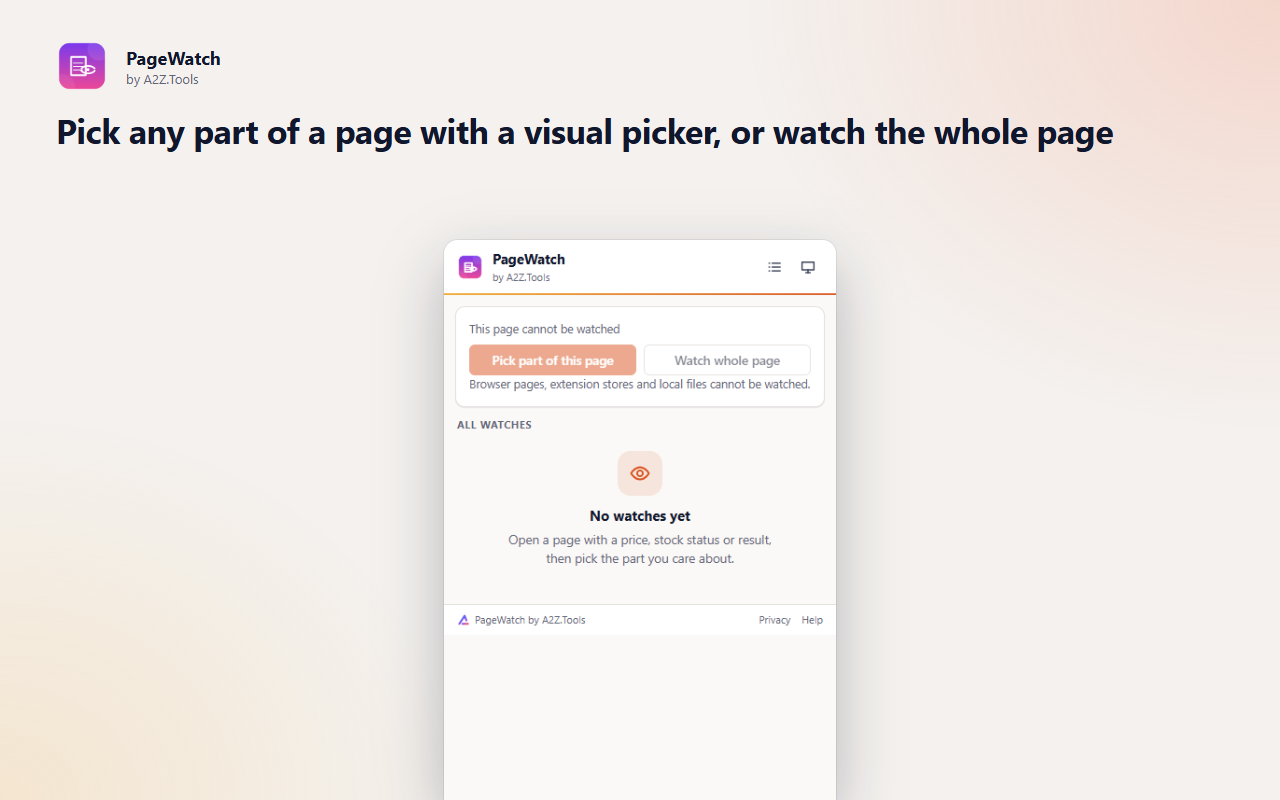
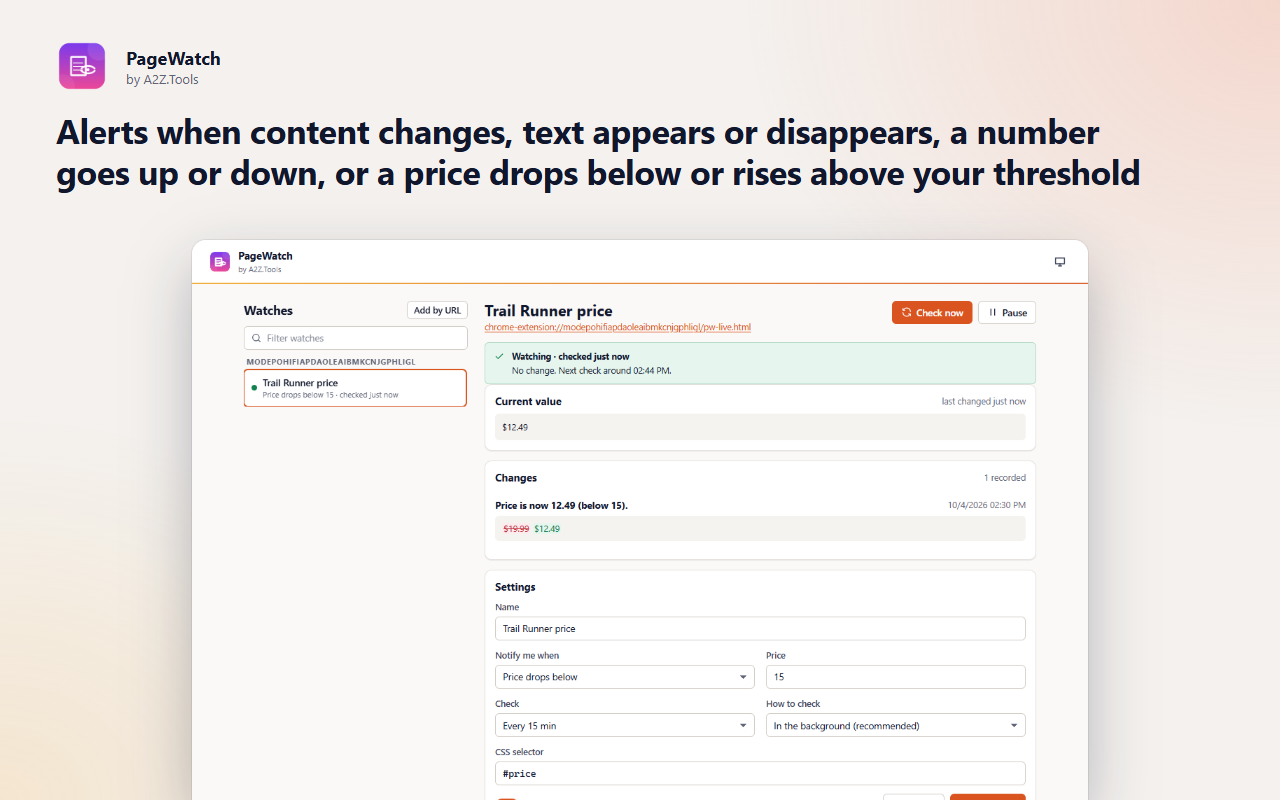
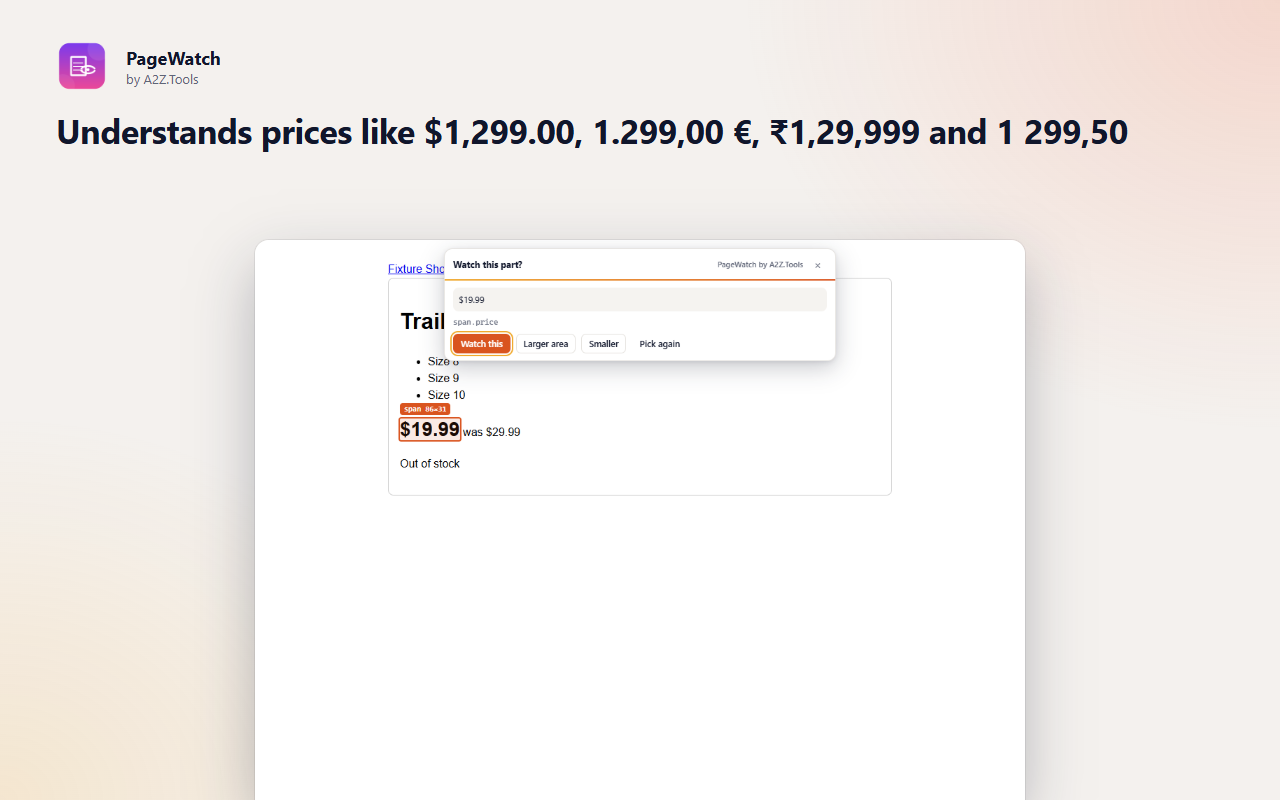
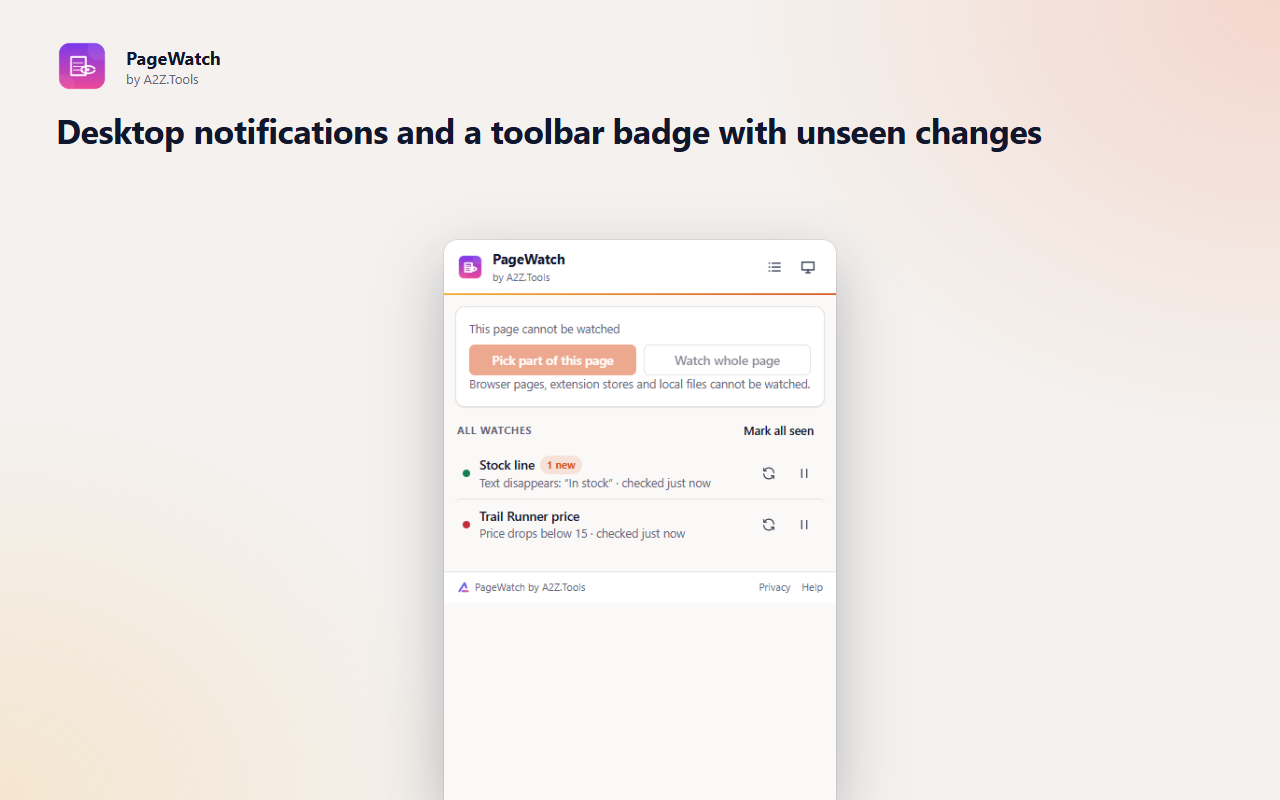
PageWatch tells you when the part of a web page you care about changes, so you can stop refreshing. Pick the price, the stock line, the appointment list or the exam result with a visual picker and choose what counts: any change, a word appearing or disappearing, a number moving, or a price crossing your limit.
Checks run from your own browser at the interval you choose, with your existing sign-in for that site, so there is no account and nothing passes through a third-party server. Site access is requested one site at a time, only when you create a watch.
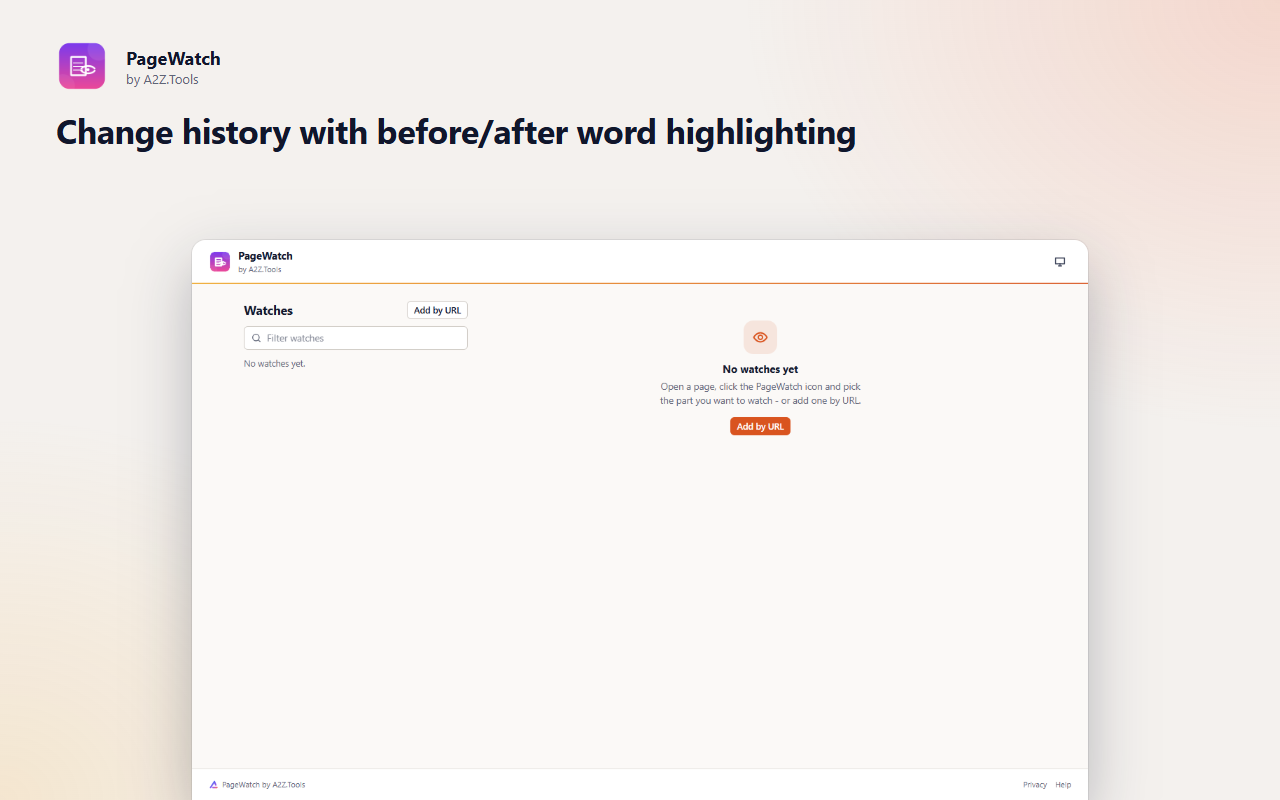
Every alert keeps a before-and-after record with the changed words highlighted, and the toolbar badge counts the changes you have not looked at yet.
Shortcuts can be changed in your browser's extension shortcut settings.
Your watches, page values and history stay in this browser. PageWatch only loads the pages you chose to watch, directly from those sites. No account, no analytics, no servers.
The text of the specific page parts you choose to watch, read only on the sites you grant. The picker reads the current tab only when you start it.
storage.local in this browser profile: watch settings, the last value of each watch (up to 5,000 characters) and the last 50 matching changes per watch.
Plain GET requests to the pages you watch, at the interval you choose, using your existing cookies for that site so signed-in pages look the same as in a tab. Nothing is sent to A2Z.Tools or anyone else.
Until you delete the watch or remove the extension.
No account, no analytics, no advertising, no selling or sharing of data, and no remotely hosted code.
Saves your watches, their last values and change history on this device.
Wakes PageWatch once a minute to see which watches are due. Each watch is checked at the interval you choose (never more than once a minute).
Shows a notification when a watched part of a page changes the way you asked.
Lets the element picker run on the tab you are looking at, only after you click "Pick part of this page".
Injects the element picker into the current tab when you ask for it, and reads the watched element from an open tab in "open tab" mode.
Chrome and Edge only: a hidden extension page that reads the HTML of watched pages, because the background service worker cannot parse HTML.
Asked per site, only when you create a watch: lets PageWatch load that one site in the background to check it. You can revoke it at any time.
Same as above for sites that do not use HTTPS. Requested per site, only when you watch one.
| Browser | Minimum version | Store |
|---|---|---|
| Google Chrome |
120 | Coming soon |
| Microsoft Edge |
120 | Coming soon |
| Mozilla Firefox |
140.0 | Coming soon |
As often as you choose, from every minute to once a day; 15 minutes is the default. Sites that keep failing are checked less often automatically, up to every 6 hours.
Yes. Checks use your browser's existing cookies for that site, so a signed-in page looks the same as in a tab. The page text is stored only on your device.
Some sites build their content with JavaScript after the page loads. Switch the watch to "Only while the page is open in a tab", or pick the element again if the site was redesigned.
No. It asks for access to one site at a time, when you create a watch on it, and you can remove that access at any time.
No. The first check only saves the current value. You are notified when it changes the way you asked.
Coming soon
Never lose what you typed into a website again.
Coming soon
Keep Downloads organized automatically.

Coming soon
Screenshots that file themselves.
Questions, bugs or ideas for PageWatch? Contact the A2Z Tools team.