
Smart Screenshot Organizer
Coming soon
Screenshots that file themselves.
- Chrome
- Edge
- Firefox
Browser extension by A2Z Tools
Never lose what you typed into a website again.
Saves what you type into web forms on your device and restores it after a refresh, crash, timeout or closed tab.
 Chrome Web StoreComing soon for Chrome
 Microsoft Edge Add-onsComing soon for Edge
 Firefox Add-onsComing soon for Firefox
We are preparing the store listings. The buttons switch on as soon as each store approves the extension; there are no unofficial downloads.
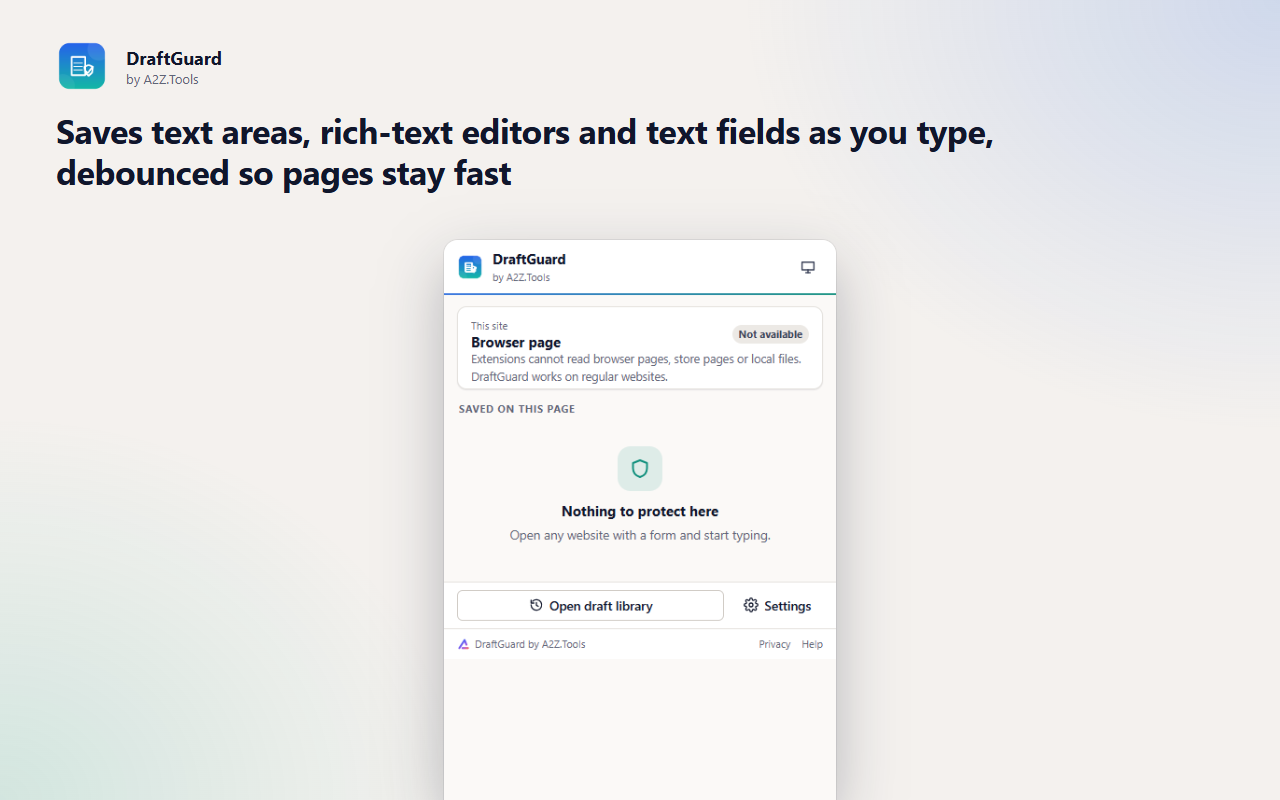
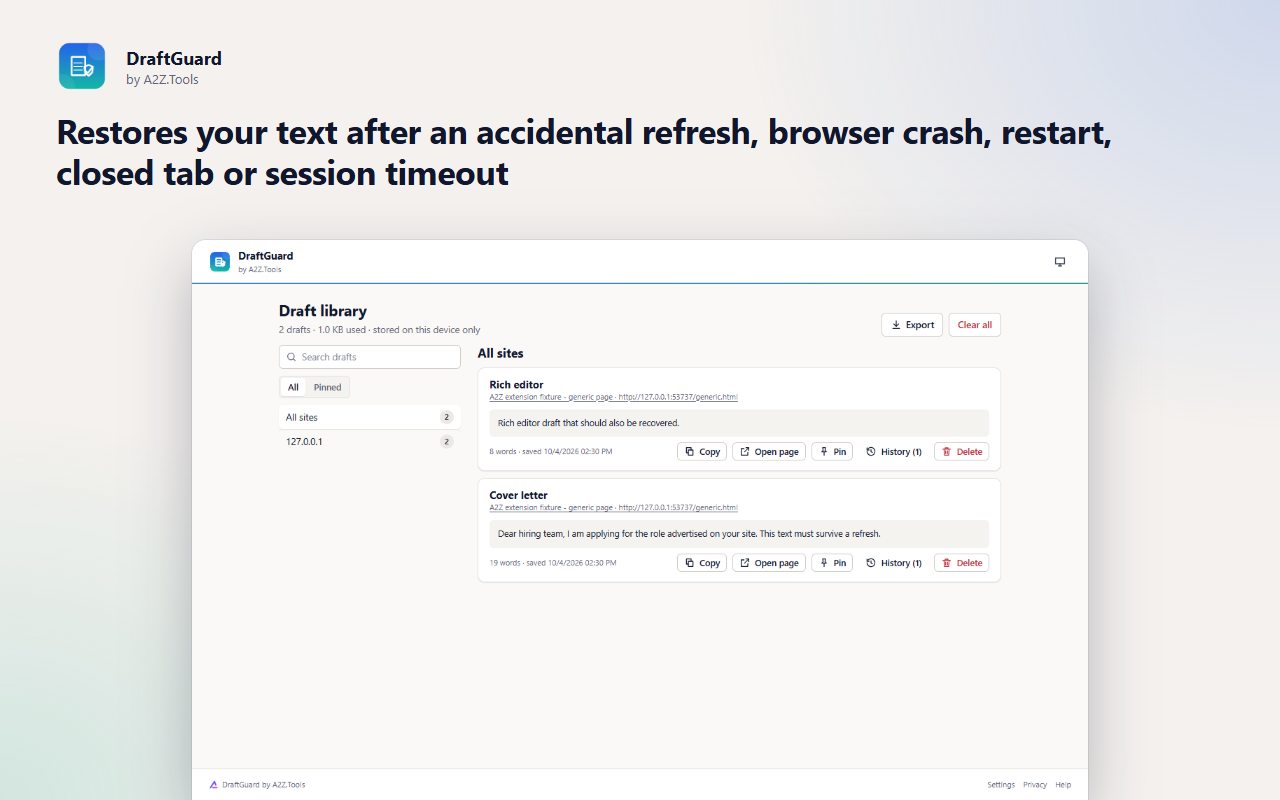
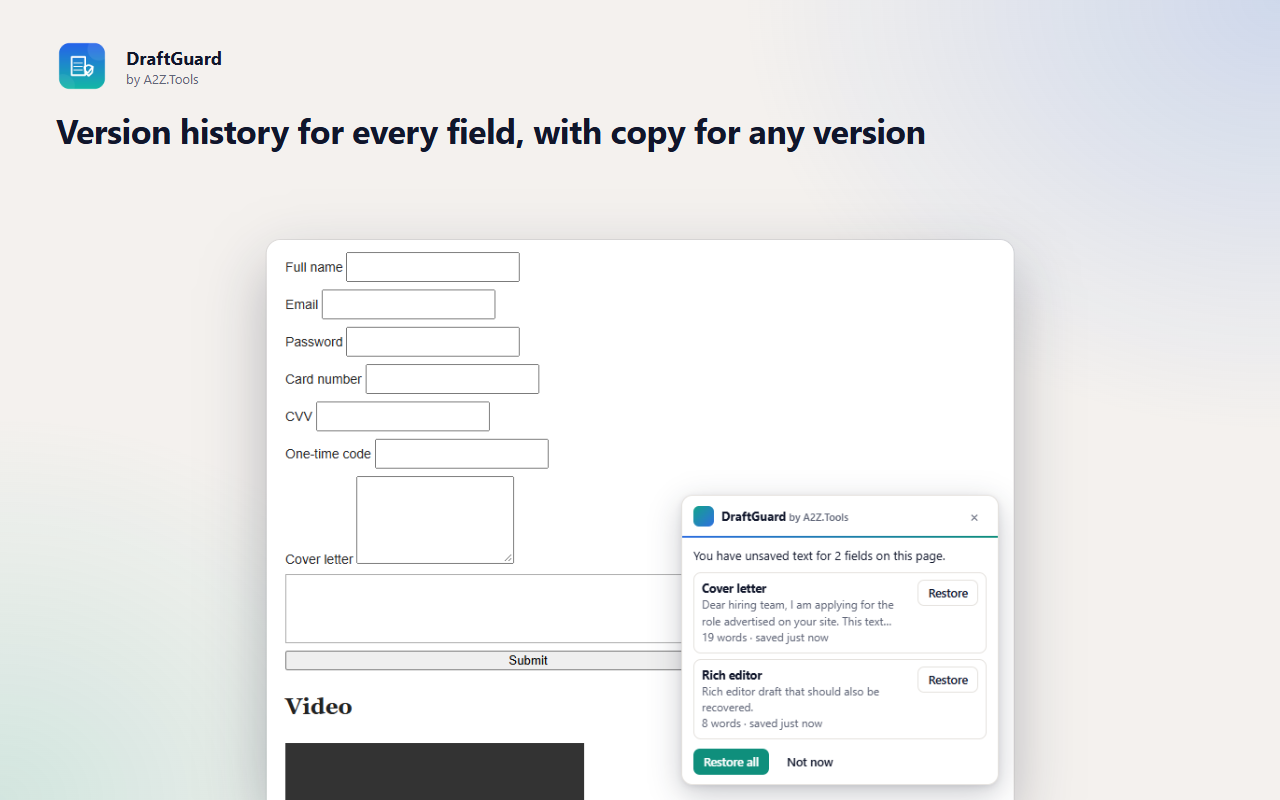
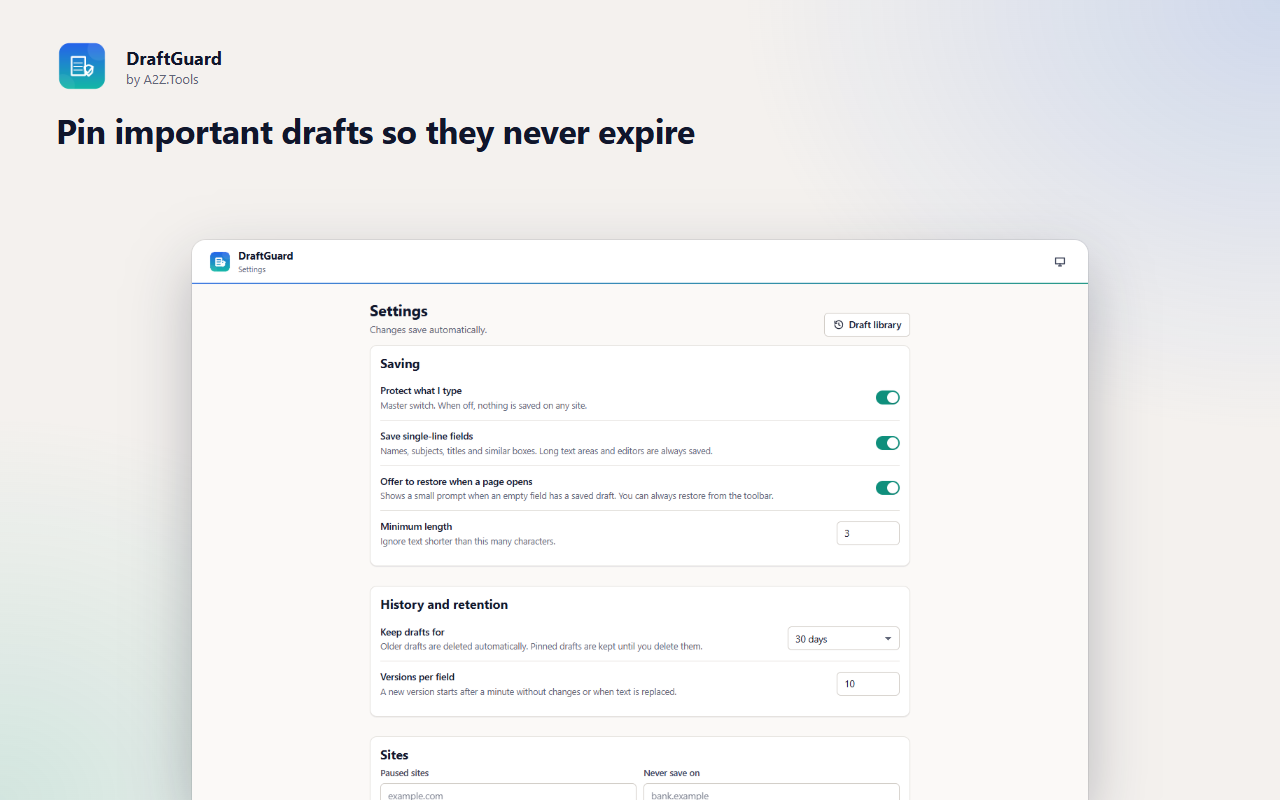
You spend twenty minutes on a job application, a support ticket or a long forum reply - then the page refreshes, the session times out or the browser crashes, and the text is gone. DraftGuard keeps a private copy of what you type, field by field, so you can put it straight back.
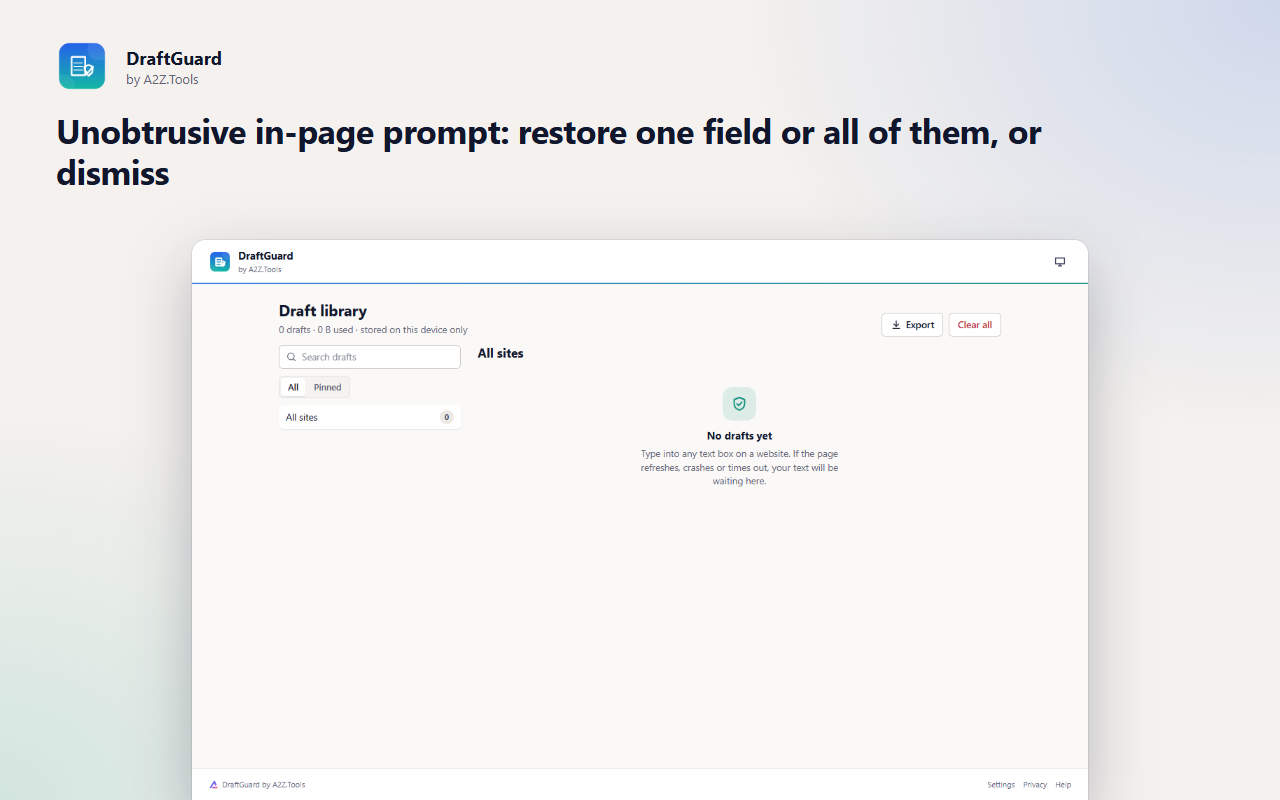
Drafts are saved on your device only, with a short version history so you can recover an earlier wording too. When you reopen the page, DraftGuard quietly offers to restore your text; nothing is filled in without your click.
Sensitive fields are refused before they are ever read: passwords, one-time codes, card numbers, security codes, bank details and ID numbers. Any text that contains a valid card number or an API key is never stored, wherever it was typed.
Shortcuts can be changed in your browser's extension shortcut settings.
What you type is saved only in this browser, never uploaded. Password, payment, one-time-code and ID fields are never read. No account, no analytics, no network requests.
The text you type into ordinary text boxes, text areas and rich-text editors on websites, plus the page address and title so a draft can be matched to its page. Password, one-time-code, card, CVV/CVC, expiry, bank, government-ID, hidden and search fields are refused before their value is read, and any text containing a valid card number or an API key/token is never stored.
storage.local in this browser profile: one record per field per page with up to 10 versions (configurable), plus your settings.
None. DraftGuard never makes a network request.
30 days by default (1 day to 1 year, configurable); pinned drafts stay until you delete them. Clear per site or everything at any time.
No account, no analytics, no advertising, no selling or sharing of data, and no remotely hosted code.
Keeps your drafts, their version history and your settings in this browser's local extension storage.
Runs the automatic clean-up every few hours that deletes drafts older than your retention period.
Lets the toolbar popup see which site you are on when you click it, so it can show that site's drafts and pause controls.
Runs inside web pages on: http://*/* and https://*/*.
| Browser | Minimum version | Store |
|---|---|---|
| Google Chrome |
120 | Coming soon |
| Microsoft Edge |
120 | Coming soon |
| Mozilla Firefox |
140.0 | Coming soon |
No. Password, one-time-code, card number, CVV/CVC, expiry, bank and ID fields are refused before their value is read, including password boxes switched to 'show password'. Text containing a valid card number or an API key is never stored in any field.
Only in your browser's local extension storage on this device. DraftGuard makes no network requests and has no account or sync.
30 days by default. You can choose from 1 day to 1 year, pin drafts to keep them indefinitely, and clear a site or everything at any time.
No. When a page has a saved draft, DraftGuard shows a small prompt and only restores the text when you click Restore.
Yes. Use 'Pause on this site' to stop saving temporarily, or 'Never save on this domain' to block it and delete its drafts.
Coming soon
Screenshots that file themselves.
Coming soon
Tell me when this part of a webpage changes.

Coming soon
Keep Downloads organized automatically.
Questions, bugs or ideas for DraftGuard? Contact the A2Z Tools team.