
A2Z Tools
Coming soon
Every A2Z.Tools utility one keystroke away.
- Chrome
- Edge
- Firefox
Browser extension by A2Z Tools
Comfortable dark viewing for any website, per site.
Invert website colours for comfortable dark viewing, per site or everywhere, while keeping photos and videos natural.
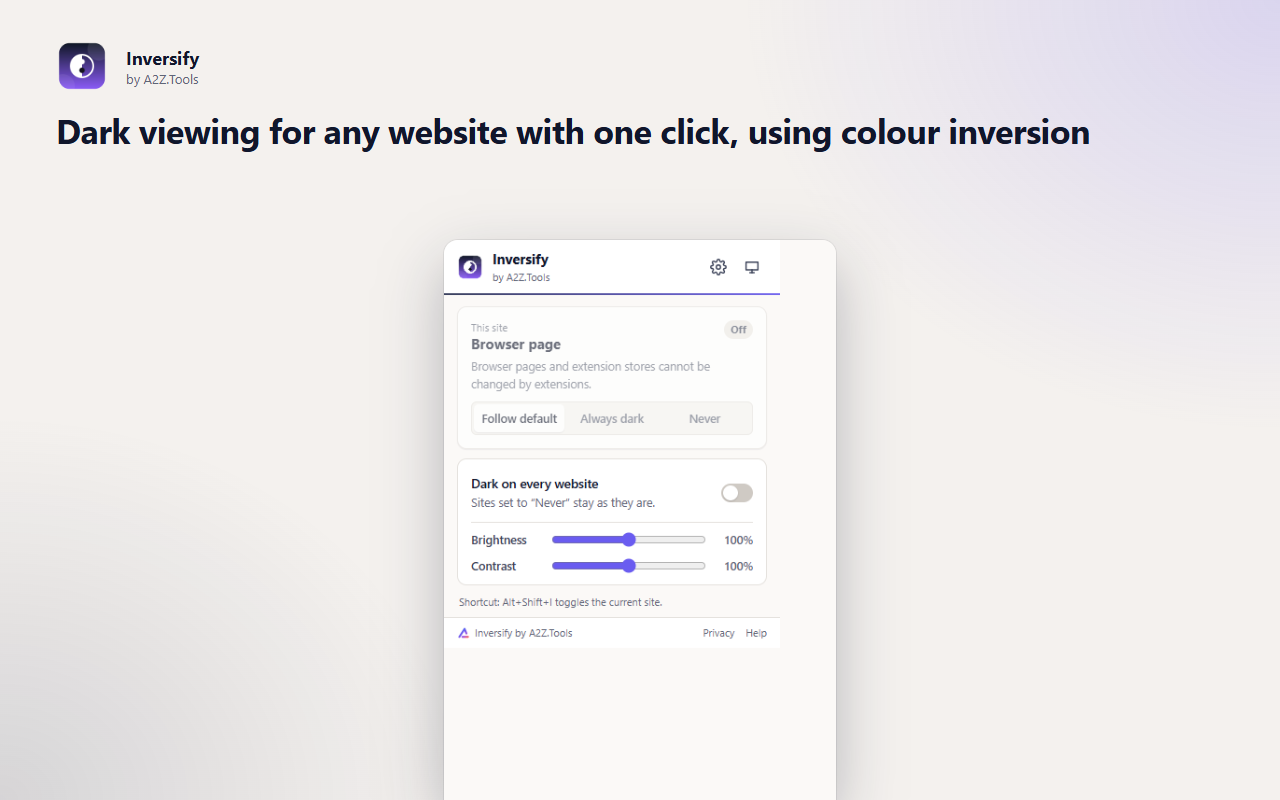
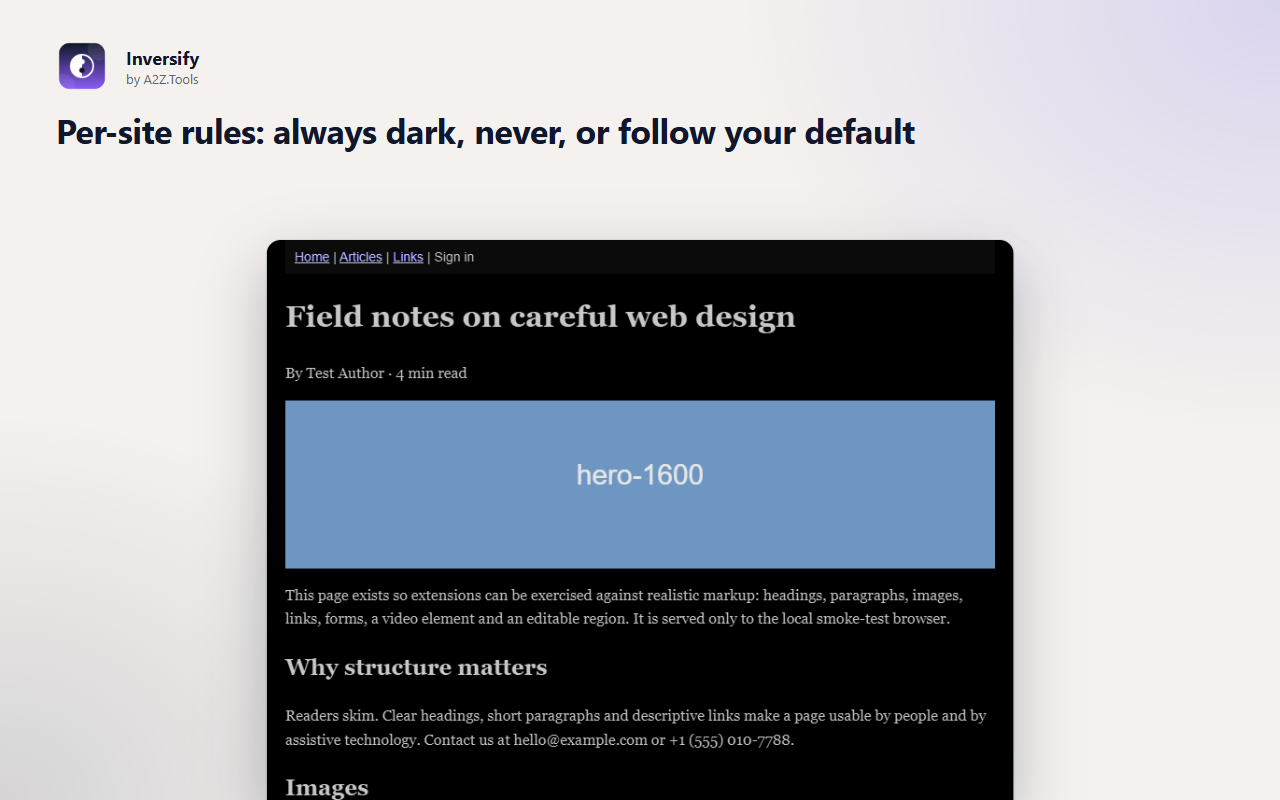
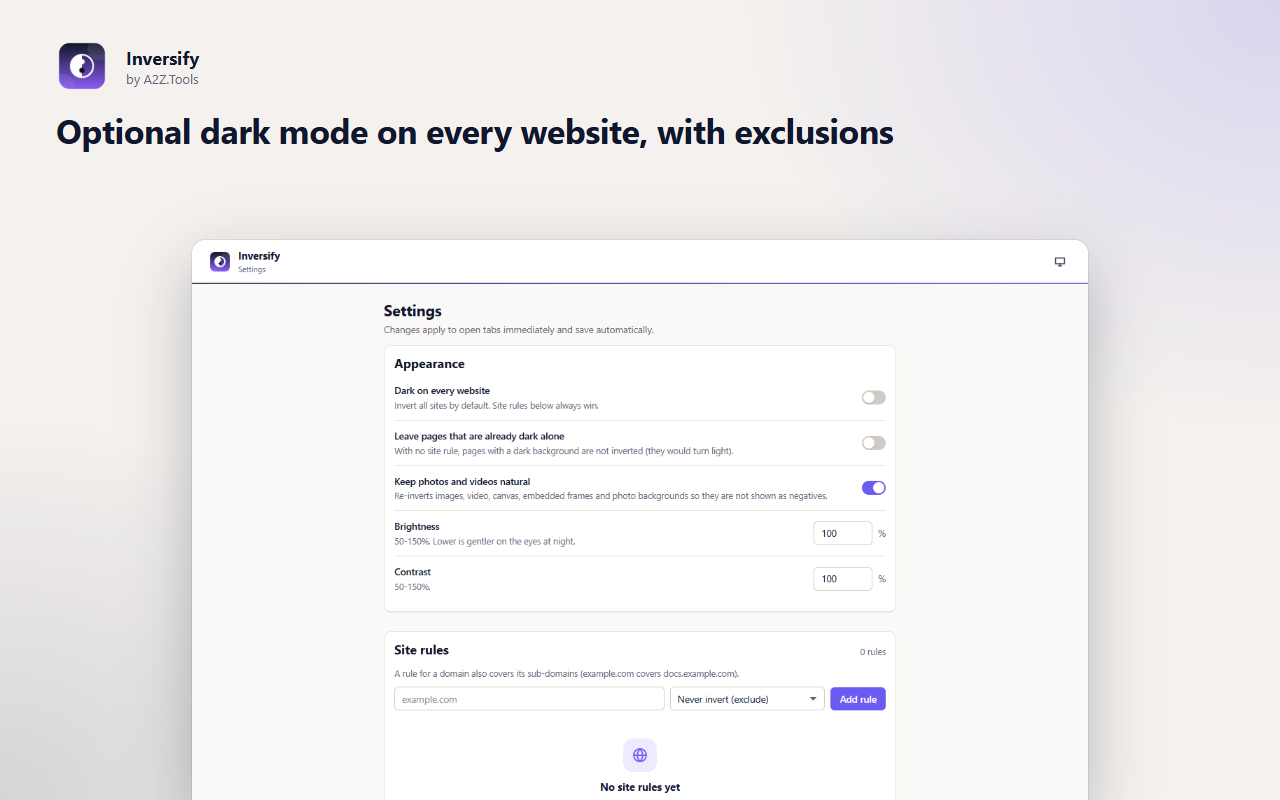
Inversify turns bright websites dark by inverting their colours, so reading at night or in a dim room is easier on the eyes. Unlike a plain invert filter, it re-inverts photos, video, canvas and embedded frames so pictures still look like pictures.
Choose per site: always dark, never, or follow your default. Turn dark mode on for every website and exclude the few that already have their own dark theme. Changes apply instantly to every open tab, and pages open already dark instead of flashing white.
Shortcuts can be changed in your browser's extension shortcut settings.
Inversify only changes how pages look inside your browser. Your settings and site rules stay on this device. No account, no analytics, no network requests.
The domain of each page (to look up your rule for it) and the page's background colour (for the optional "already dark" check). Page text and form data are never read.
storage.local in this browser profile: on/off default, brightness, contrast and your list of site rules.
None. Inversify makes no network requests.
Until you change it in Settings, press Reset, or remove the extension.
No account, no analytics, no advertising, no selling or sharing of data, and no remotely hosted code.
Saves your settings and per-site rules (always dark / never) on this device.
Lets the popup and the keyboard shortcut read the address of the tab you are looking at, only when you use them, so they know which site to switch.
Runs inside web pages on: all websites.
| Browser | Minimum version | Store |
|---|---|---|
 Google Chrome Google Chrome |
120 | Chrome Web Store |
 Microsoft Edge Microsoft Edge |
120 | Microsoft Edge Add-ons |
 Mozilla Firefox Mozilla Firefox |
140.0 | Firefox Add-ons |
🌙 Enhance Your Browsing with One-Click Color Inversion!
Tired of blindingly bright websites? Struggling with low-contrast pages? Color Inverter transforms any website by flipping its colors, creating a high-contrast dark mode for a more comfortable and accessible browsing experience.
🔹 Key Features:
✅ Instant Color Inversion – Flip colors with a single click for better readability and reduced eye strain.
✅ Customizable Settings – Choose whether to invert all colors or specific elements.
✅ Persistent Preferences – Your settings are saved, so they remain even after refreshing or reopening your browser.
✅ Supports All Websites – Works on every webpage, including complex web apps and dynamic content.
✅ Lightweight & Fast – Minimal impact on performance with seamless switching.
🎯 Perfect for:
🔸 Users sensitive to bright screens
🔸 Developers testing UI contrast
🔸 Anyone who prefers a dark mode but doesn’t want to rely on built-in website themes
🔄 Works on:
🔧 How It Works:
No more eye strain, no more overly bright pages—just effortless browsing with the contrast you need!
It inverts the page's colours with a CSS filter, which works on almost any site without per-site styling. Photos and videos are flipped back so they look natural.
Yes. Set a site to "Never" from the popup or the settings page. A rule for a domain also covers its sub-domains.
No. It only adds a CSS filter. It looks up your rule for the site's domain and, if you enable the option, checks the page's background colour. Nothing is stored about the pages and nothing is sent anywhere.
Browser pages and extension stores cannot be modified by extensions, and tabs opened before installing need one reload.
Coming soon
Every A2Z.Tools utility one keystroke away.

Coming soon
Screenshots that file themselves.
Coming soon
Never lose what you typed into a website again.
Questions, bugs or ideas for Inversify? Contact the A2Z Tools team.