
Highlight Anywhere
Coming soon
Remember exactly why you saved a webpage.
- Chrome
- Edge
- Firefox

Browser extension by A2Z Tools
Own and organize your AI conversations.
Export your AI chat conversations to Markdown, HTML or JSON and keep a searchable library on your own device.
 Chrome Web StoreComing soon for Chrome
 Microsoft Edge Add-onsComing soon for Edge
 Firefox Add-onsComing soon for Firefox
We are preparing the store listings. The buttons switch on as soon as each store approves the extension; there are no unofficial downloads.
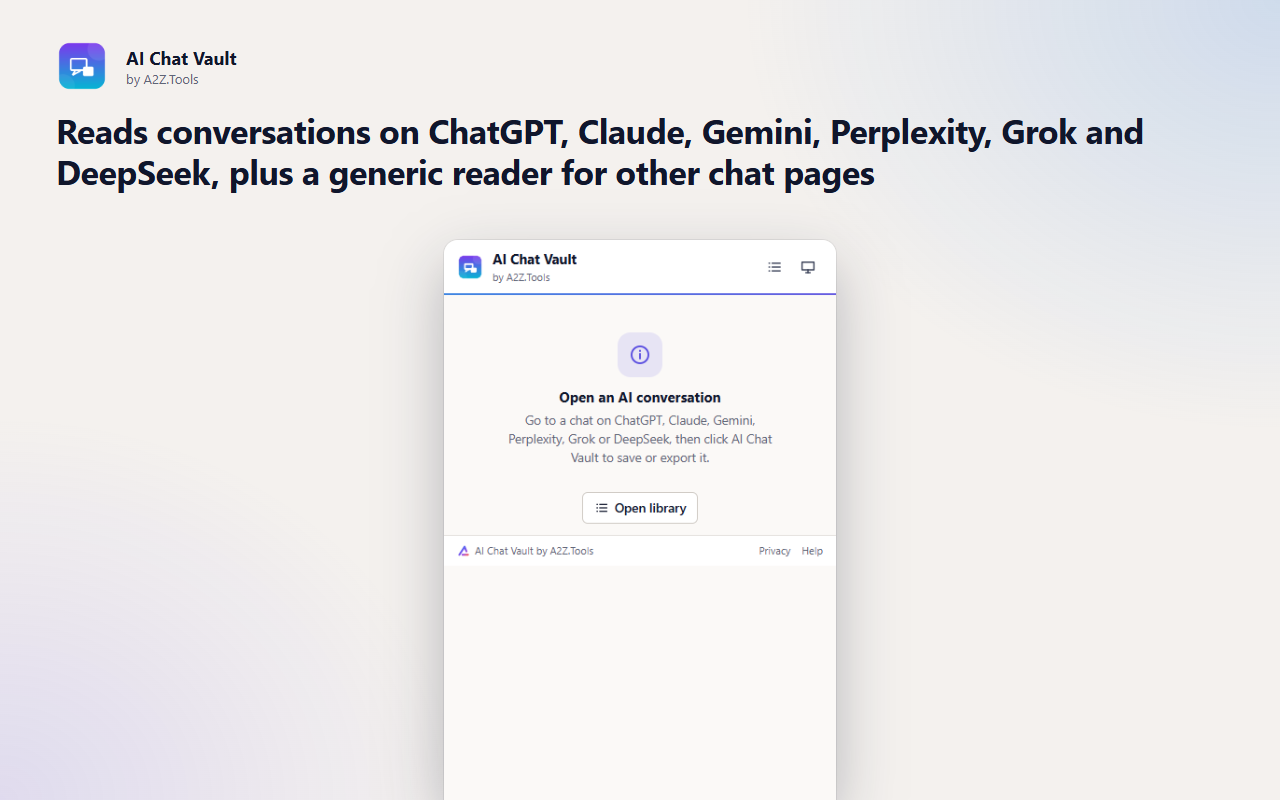
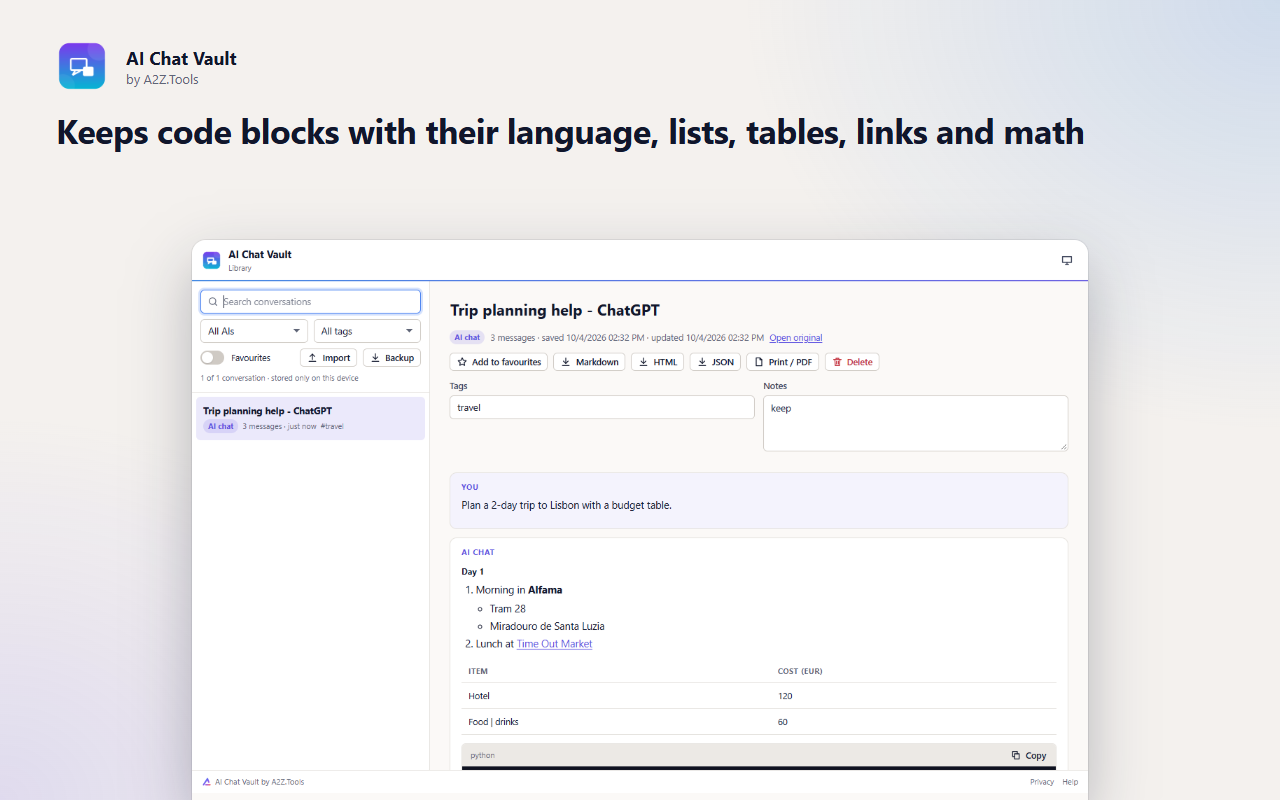
Your best AI conversations are buried in a sidebar you do not control. AI Chat Vault saves them where you can find them again: a searchable library in your own browser, with tags, notes and favourites.
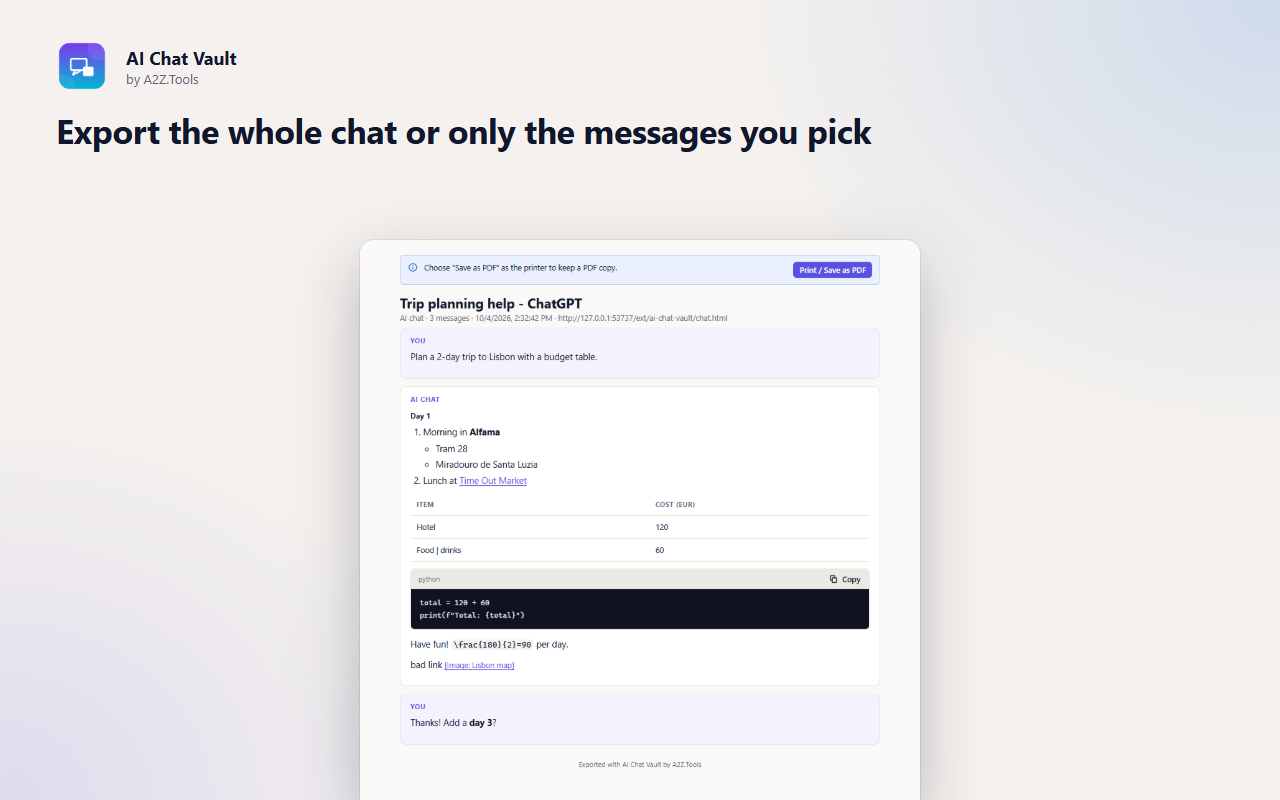
Click the toolbar button on a chat and AI Chat Vault reads the conversation already on your screen, keeping code blocks, tables, lists, links and math intact. Export the whole thread or just the messages you choose to Markdown for your notes app, a clean HTML page, JSON, or a PDF from the print view. It uses no private APIs and sends nothing anywhere.
Shortcuts can be changed in your browser's extension shortcut settings.
Conversations you save stay in this browser. AI Chat Vault reads a chat only when you click it, makes no network requests, uses no private APIs, and has no account, analytics or tracking.
The conversation visible in the current tab, at the moment you open the popup: message text, code, tables, links, the page title and address.
IndexedDB in the extension's own storage in this browser profile (saved conversations with your tags, notes and favourites).
None. Exports are created on your device and downloaded as files.
Until you delete a conversation or uninstall the extension. Exports and backups are files you control.
No account, no analytics, no advertising, no selling or sharing of data, and no remotely hosted code.
Gives AI Chat Vault access to the current tab only when you click its toolbar button, so it can read the conversation you are looking at. It has no access to any site in the background.
Runs the conversation reader in that tab when you open the popup. The reader only reads what is already on screen; it never calls the AI site's servers.
Remembers your light/dark theme choice.
Lets your library of saved conversations grow beyond the browser's default extension quota without being cleared.
| Browser | Minimum version | Store |
|---|---|---|
| Google Chrome |
120 | Coming soon |
| Microsoft Edge |
120 | Coming soon |
| Mozilla Firefox |
140.0 | Coming soon |
ChatGPT, Claude, Gemini, Perplexity, Grok and DeepSeek. A generic reader also works on many other chat pages that mark messages clearly.
No. It reads the conversation that is already displayed in your tab when you click the button. It makes no network requests and never logs in anywhere.
In your browser's extension storage on this device. Use Backup in the library to move them to another computer.
Yes. Untick the messages you do not want before exporting to Markdown, HTML, JSON or PDF.
Coming soon
Remember exactly why you saved a webpage.

Coming soon
Better controls for videos on the web.
Coming soon
Turn cluttered pages into comfortable reading.
Questions, bugs or ideas for AI Chat Vault? Contact the A2Z Tools team.