
Highlight Anywhere
Coming soon
Remember exactly why you saved a webpage.
- Chrome
- Edge
- Firefox
Browser extension by A2Z Tools
Turn cluttered pages into comfortable reading.
Open any article in a clean reading view with font, width, spacing, sepia and dark themes, a table of contents and read-aloud.
 Chrome Web StoreComing soon for Chrome
 Microsoft Edge Add-onsComing soon for Edge
 Firefox Add-onsComing soon for Firefox
We are preparing the store listings. The buttons switch on as soon as each store approves the extension; there are no unofficial downloads.
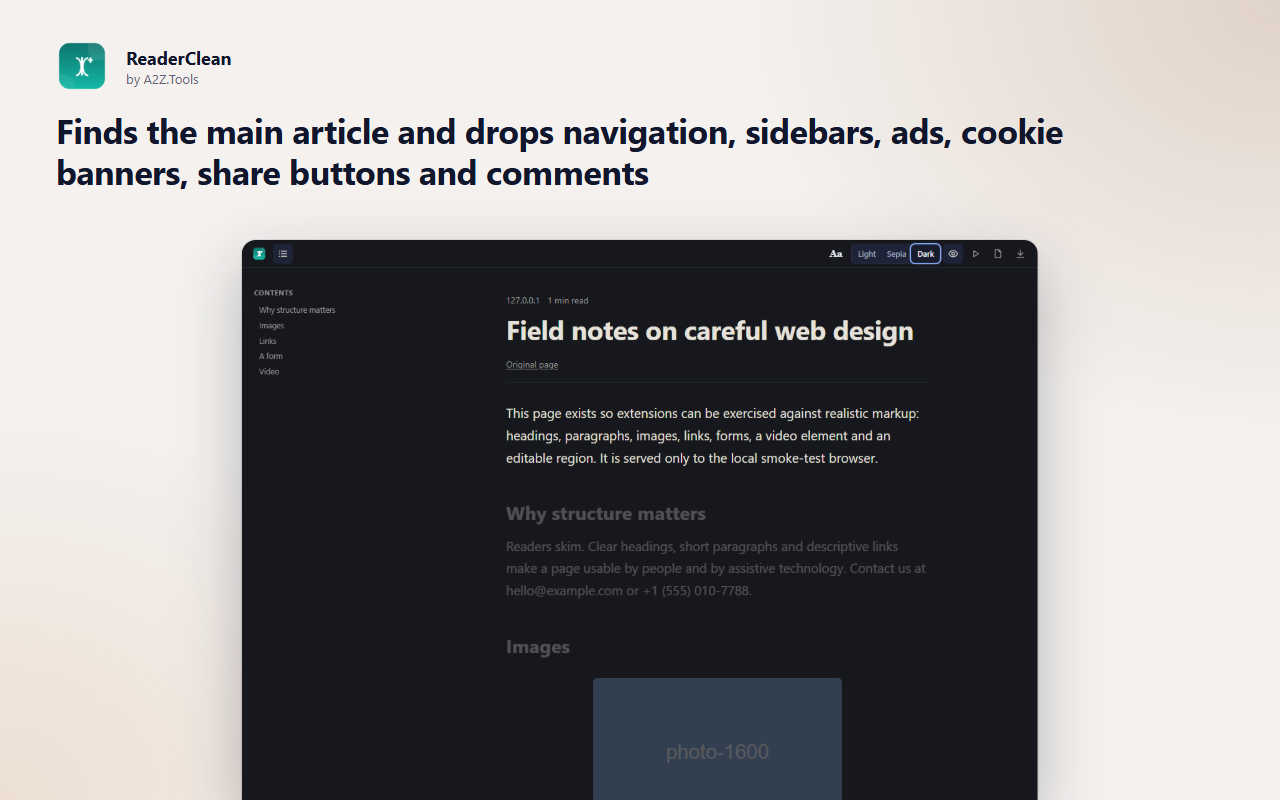
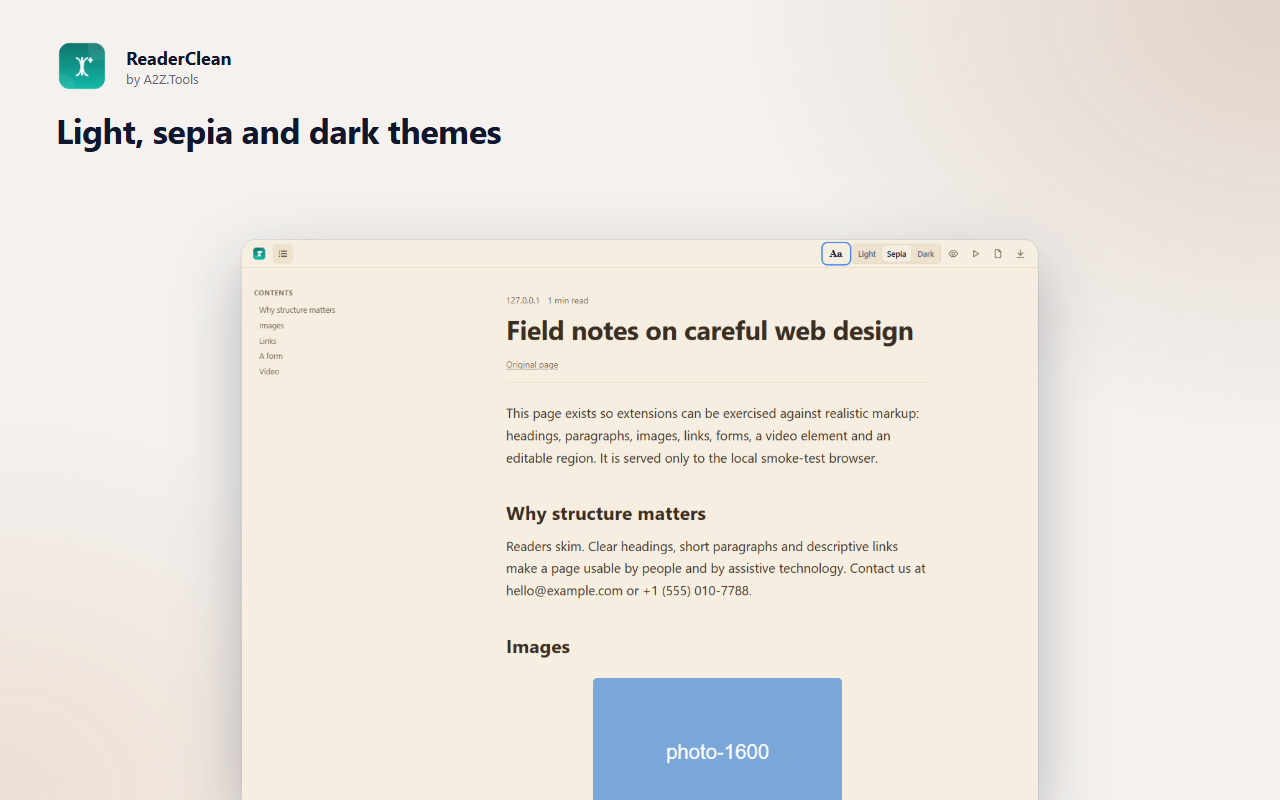
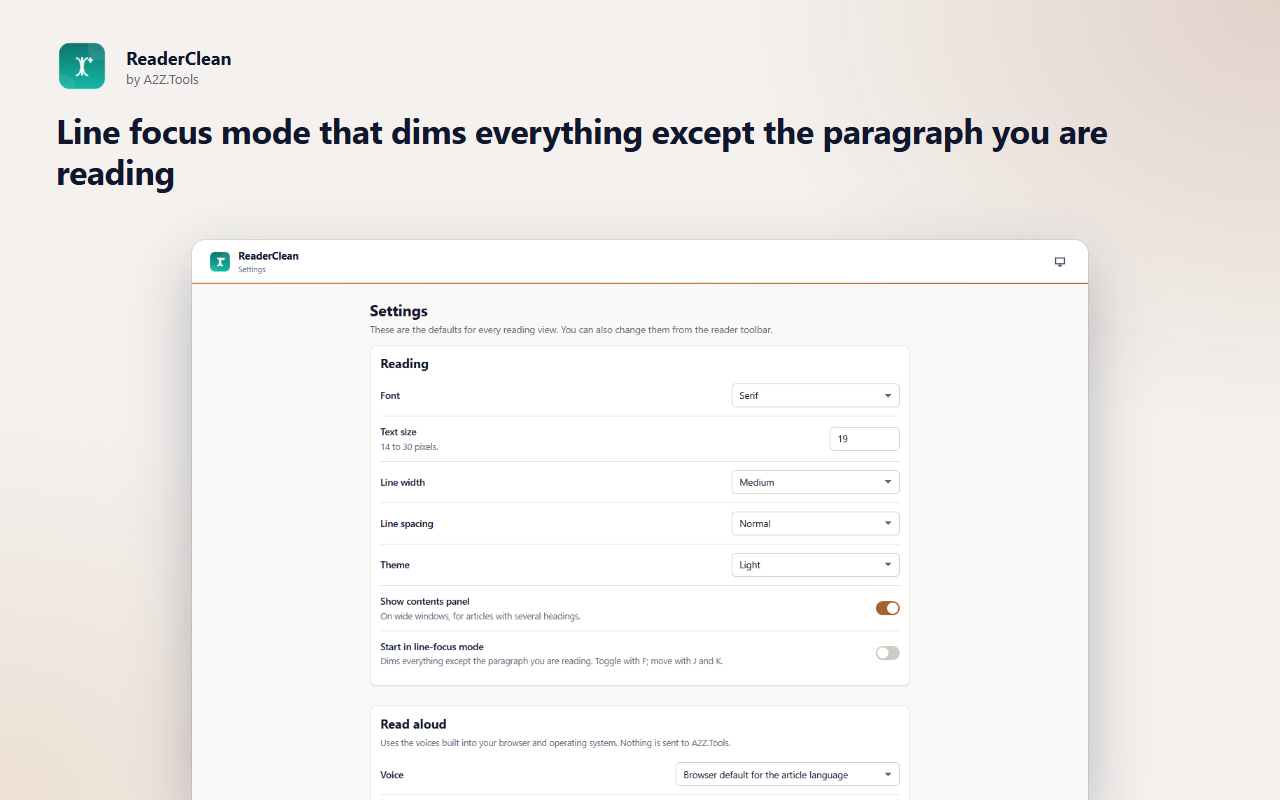
Many articles are hard to read for reasons that have nothing to do with the writing: autoplaying videos, sidebars, pop-ups, tiny grey text and lines that run the full width of the screen. ReaderClean opens the article in a calm, consistent reading view with one click.
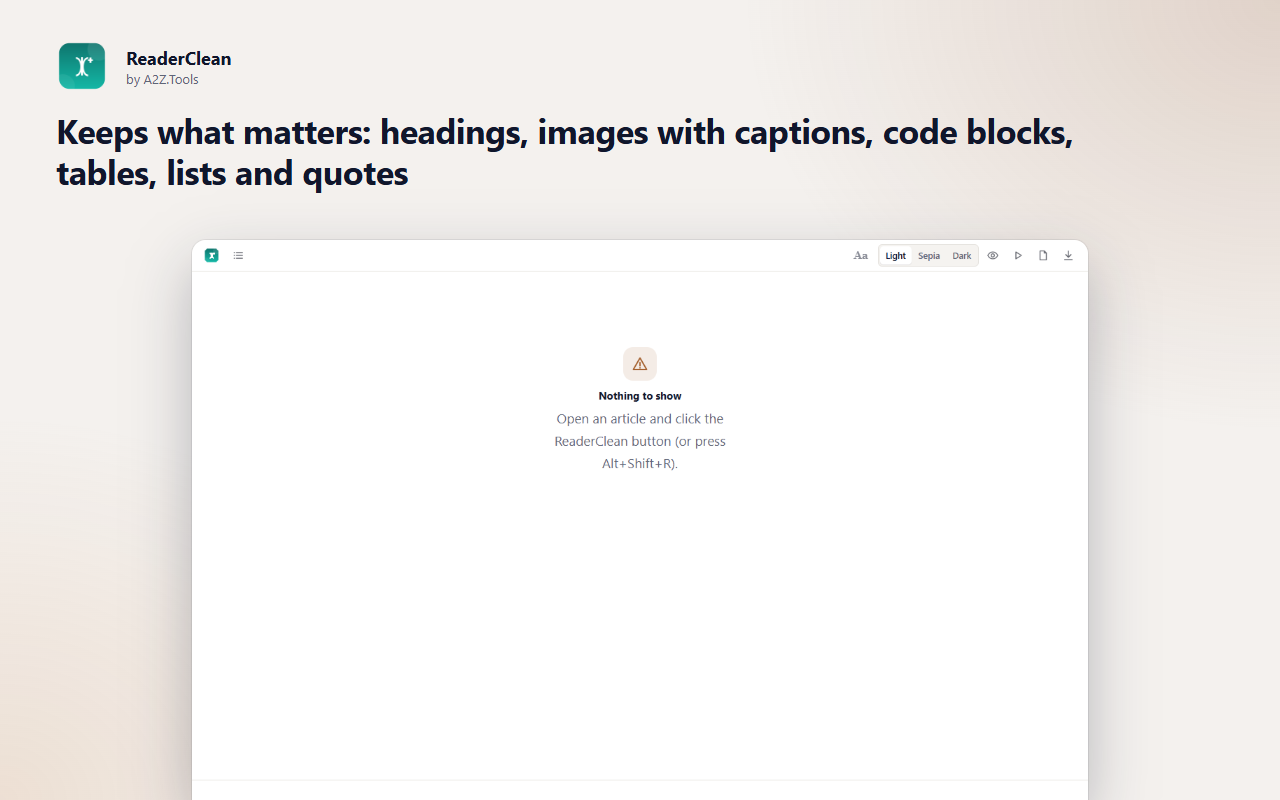
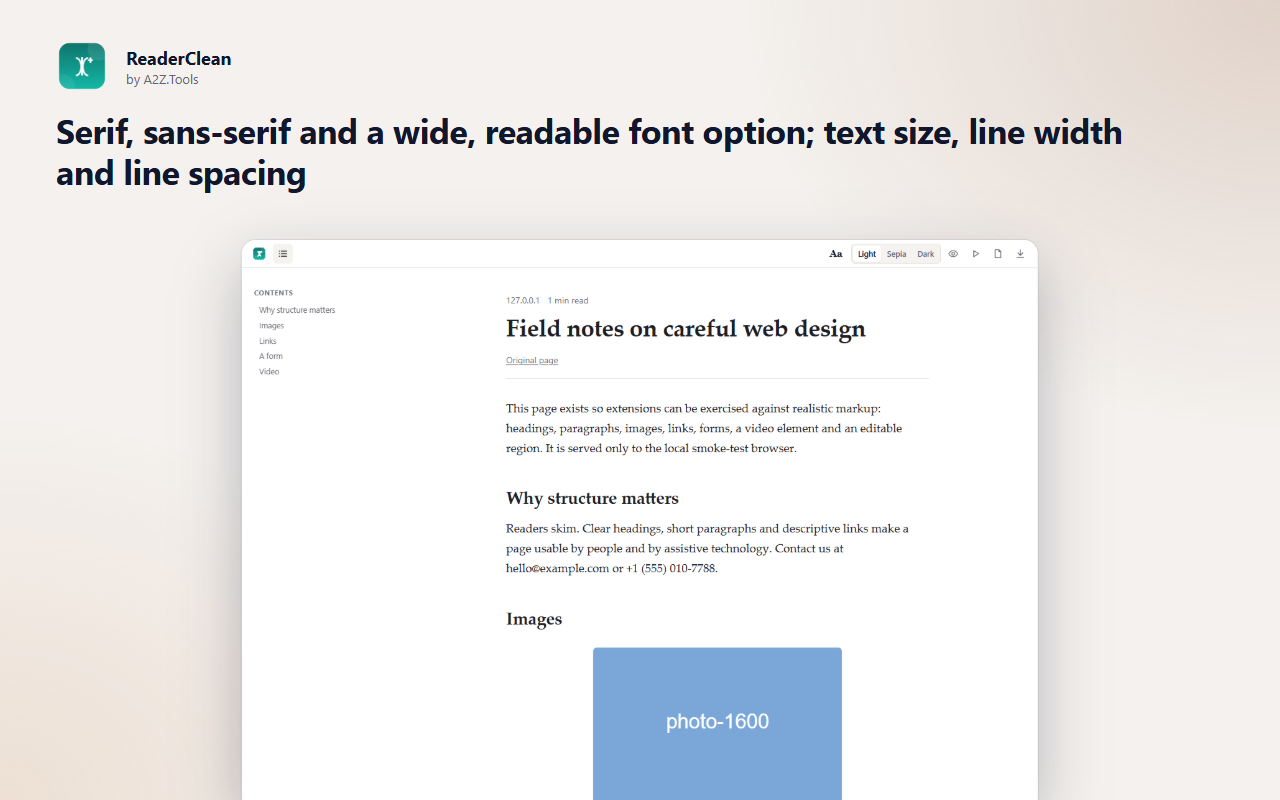
It keeps what belongs to the article (headings, images with captions, code blocks, tables and quotes) and leaves the rest behind. Choose a font and size that suit your eyes, a comfortable line width, and a light, sepia or dark theme. Line focus dims everything except the paragraph you are reading, and read-aloud uses your browser's built-in voices.
The reading view is made in your browser from the page you already have open. Nothing is uploaded, and ReaderClean never gets around paywalls or logins.
Shortcuts can be changed in your browser's extension shortcut settings.
Reading views are made in your browser from the page you are already viewing. Nothing is uploaded, there is no account and no analytics.
The text, headings, images and links of the page you open in ReaderClean, only when you ask for it.
storage.local in this browser profile: reading preferences and the latest reading view (replaced by the next one).
None. Images in the reading view load from the original site, as they did on the page. Read-aloud uses the voices built into your browser or system.
The latest reading view is kept until the next one replaces it. Preferences stay until you change them or remove the extension.
No account, no analytics, no advertising, no selling or sharing of data, and no remotely hosted code.
Lets ReaderClean read the page you are on, only when you click its button, press the shortcut or choose it from the right-click menu.
Runs the one-off article extractor in that tab. The page itself is never changed.
Keeps your reading preferences and the most recent reading view on this device.
Adds "Open in ReaderClean" to the right-click menu.
| Browser | Minimum version | Store |
|---|---|---|
| Google Chrome |
120 | Coming soon |
| Microsoft Edge |
120 | Coming soon |
| Mozilla Firefox |
140.0 | Coming soon |
It works the same way in Chrome, Edge and Firefox, remembers your preferences, adds a contents panel, line focus, read-aloud with paragraph highlighting and Save as HTML.
It works best on articles, blog posts and documentation. App-like pages or pages that load text only after interaction may give an incomplete view; ReaderClean tells you when it is unsure.
The Readable option uses wide, open letterforms and extra letter and word spacing, and picks Atkinson Hyperlegible, Lexend or OpenDyslexic automatically if you have one installed.
No. Extraction, the reading view and read-aloud all run in your browser.
Coming soon
Remember exactly why you saved a webpage.
Coming soon
Fix years of bookmark clutter, safely.
Coming soon
Own and organize your AI conversations.
Questions, bugs or ideas for ReaderClean? Contact the A2Z Tools team.