
AI Chat Vault
Coming soon
Own and organize your AI conversations.
- Chrome
- Edge
- Firefox

Browser extension by A2Z Tools
Remember exactly why you saved a webpage.
Highlight text on any page, attach notes, and see your highlights again on every visit. Search and export your notebook.
 Chrome Web StoreComing soon for Chrome
 Microsoft Edge Add-onsComing soon for Edge
 Firefox Add-onsComing soon for Firefox
We are preparing the store listings. The buttons switch on as soon as each store approves the extension; there are no unofficial downloads.
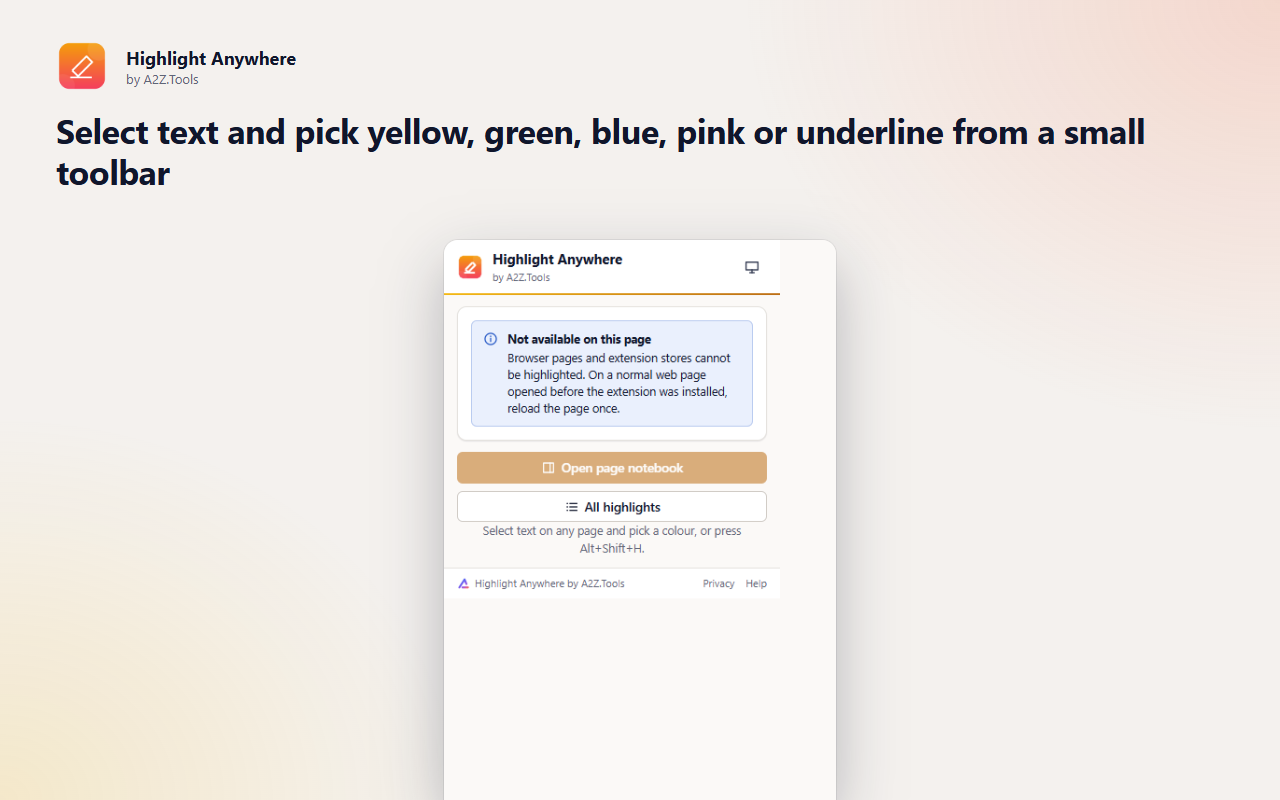
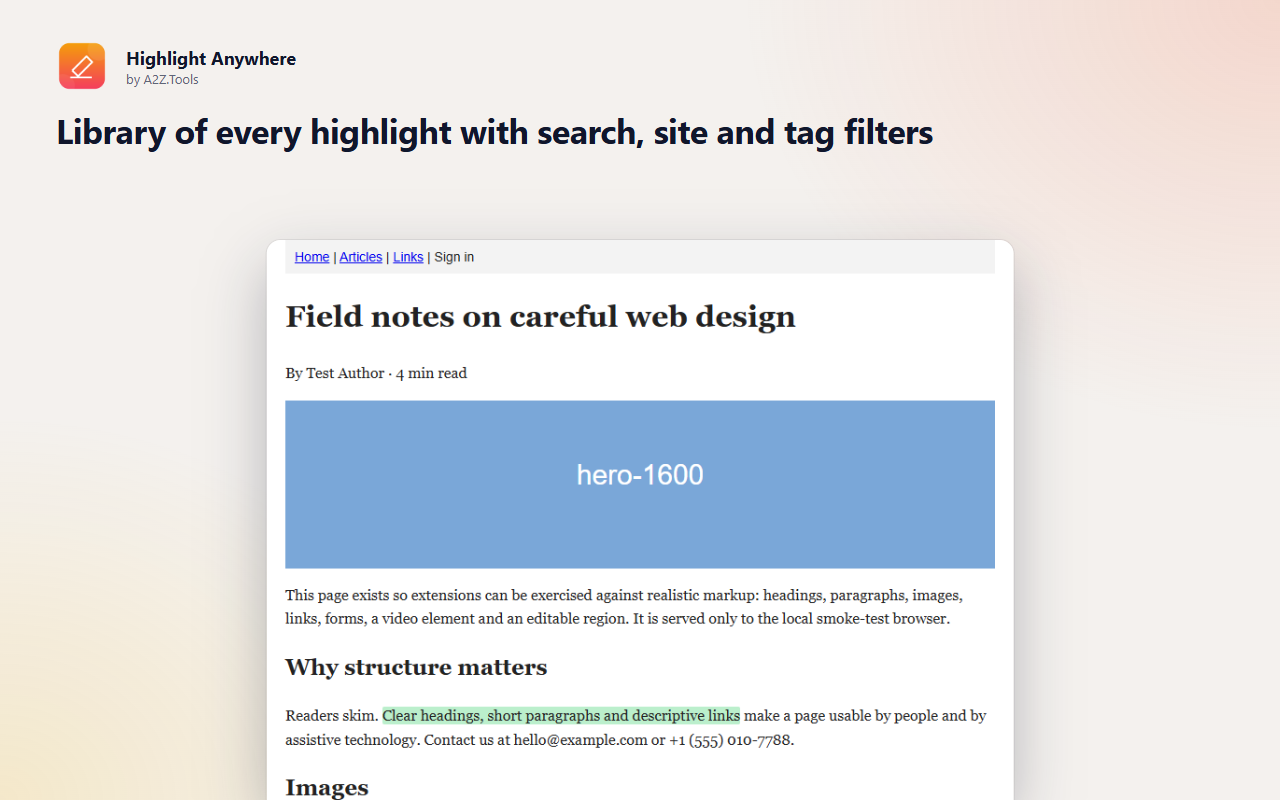
Highlight Anywhere turns any web page into something you can mark up. Select a sentence, pick a colour, add a note about why it matters, and move on. The next time you open the page, your highlights are back exactly where you left them.
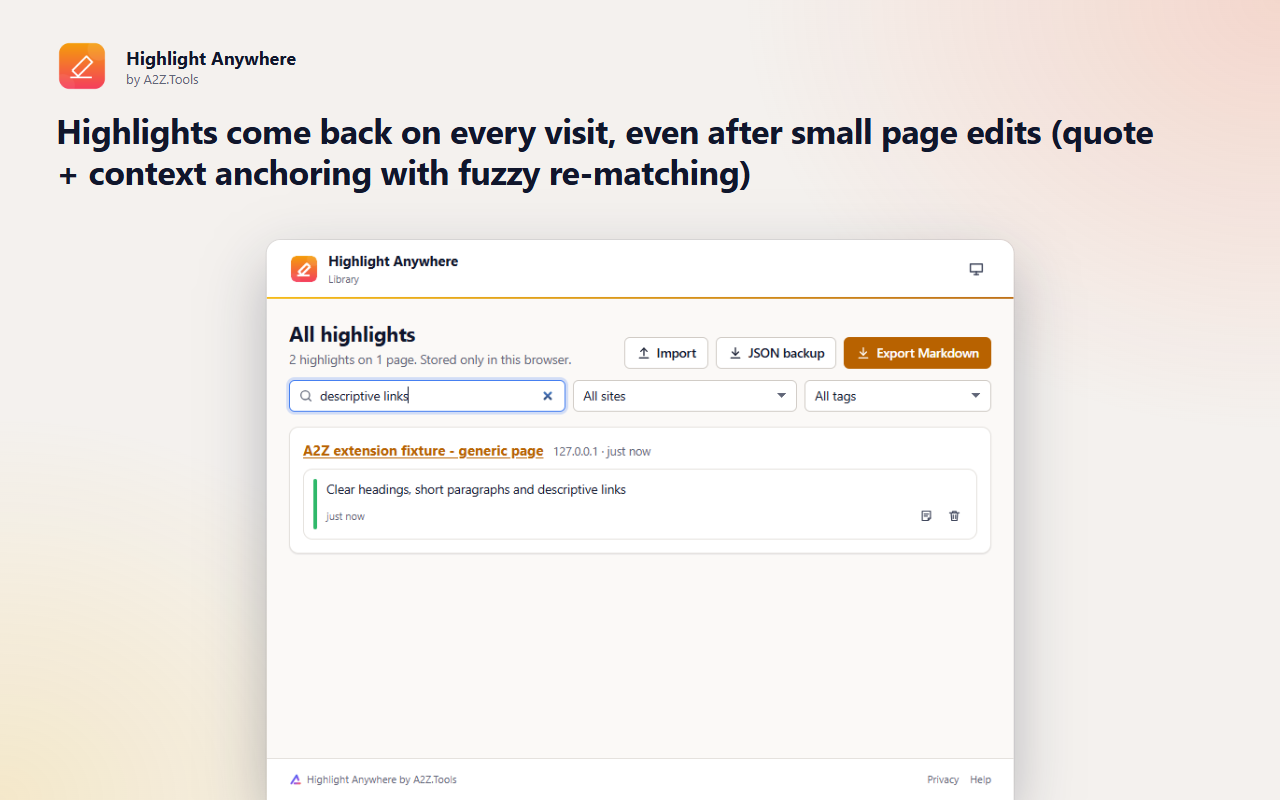
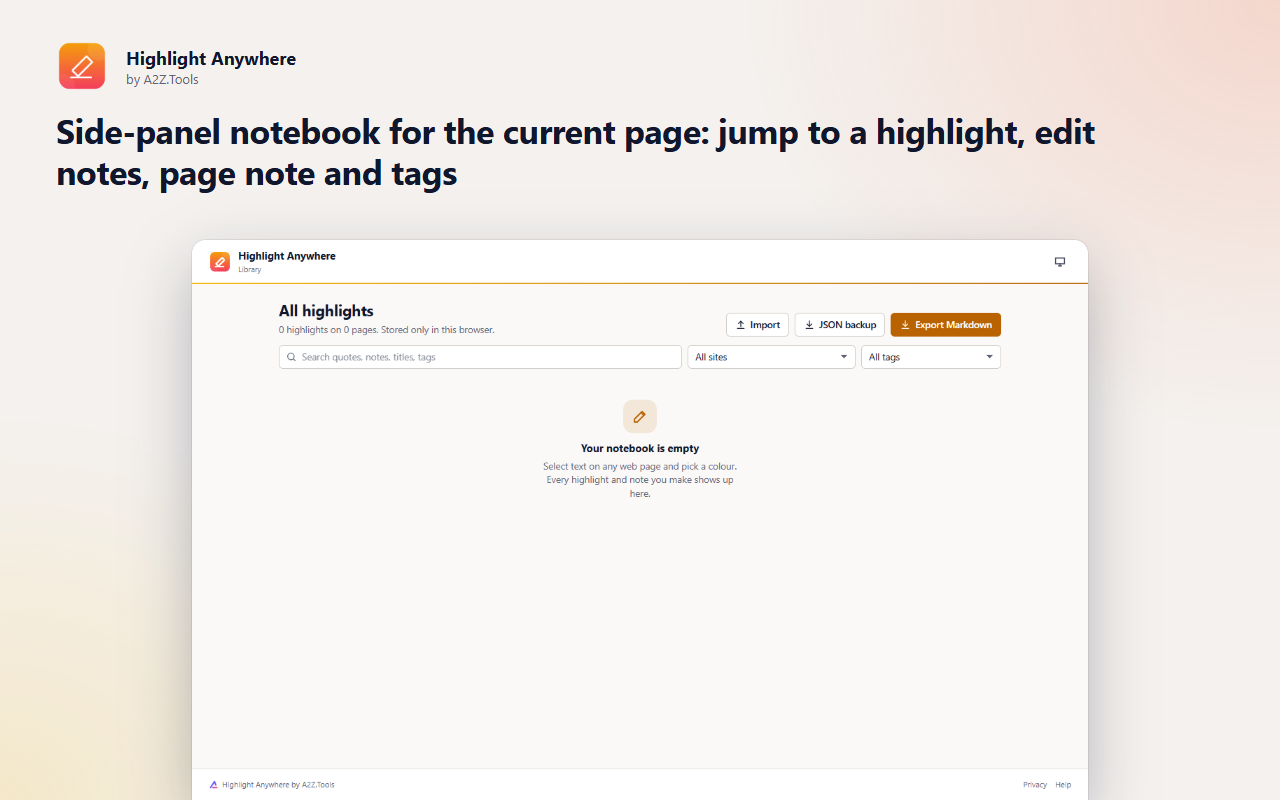
Each highlight is saved as the quoted text plus a little surrounding context, so it can be found again even when the page shifts around: new paragraphs above it, re-flowed whitespace or small edits to the sentence itself. Your notebook lives in your browser, with a side panel for the current page and a searchable library of everything you have highlighted.
Shortcuts can be changed in your browser's extension shortcut settings.
Your highlights, notes and tags are stored only in this browser. Nothing is uploaded, there is no account, no analytics and no tracking.
The text you select, a short excerpt around it (up to 32 characters each side, used to find the highlight again) and the page's address and title. Page text is read locally only to place saved highlights.
storage.local in this browser profile: one record per highlighted page (address, title, quotes with context, notes, tags) and your paused-sites list.
None. The extension makes no network requests.
Until you delete a highlight, use the library to remove it, or uninstall the extension. JSON backups you export are files you control.
No account, no analytics, no advertising, no selling or sharing of data, and no remotely hosted code.
Saves your highlights, notes, tags and the list of sites where you paused the extension, on this device only.
Adds "Highlight selection" and "Highlight and add a note" to the right-click menu when text is selected.
Runs inside web pages on: http://*/* and https://*/*.
| Browser | Minimum version | Store |
|---|---|---|
| Google Chrome |
120 | Coming soon |
| Microsoft Edge |
120 | Coming soon |
| Mozilla Firefox |
140.0 | Coming soon |
Only in your browser's extension storage on this device. Nothing is uploaded and there is no account. Use the library's JSON backup to move them to another computer.
Highlight Anywhere looks for the exact quote, then uses the surrounding text and fuzzy matching to find slightly edited passages. If a passage is gone, the highlight stays in your notebook marked as not found.
Yes. Export Markdown for apps like Obsidian or Notion, or a JSON backup that you can import again later.
Yes. In Firefox the page notebook opens in the sidebar; in Chrome and Edge it opens in the side panel.
Coming soon
Own and organize your AI conversations.

Coming soon
Turn cluttered pages into comfortable reading.

Coming soon
Fix years of bookmark clutter, safely.
Questions, bugs or ideas for Highlight Anywhere? Contact the A2Z Tools team.