
Bookmark Doctor
Coming soon
Fix years of bookmark clutter, safely.
- Chrome
- Edge
- Firefox
Browser extension by A2Z Tools
Find the page you remember but can't find again.
Search your browsing history by words, site, date and time, see a timeline, and find the pages you used around the same time.
 Chrome Web StoreComing soon for Chrome
 Microsoft Edge Add-onsComing soon for Edge
 Firefox Add-onsComing soon for Firefox
We are preparing the store listings. The buttons switch on as soon as each store approves the extension; there are no unofficial downloads.
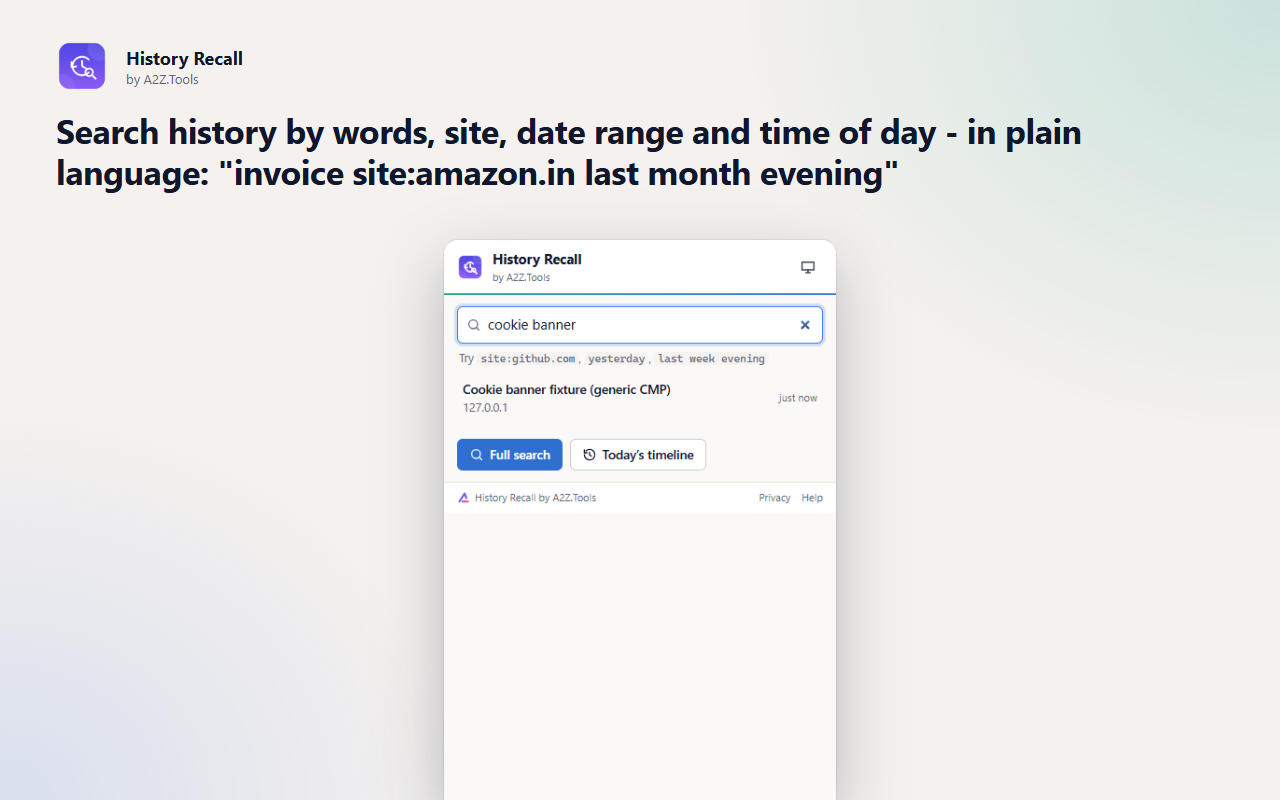
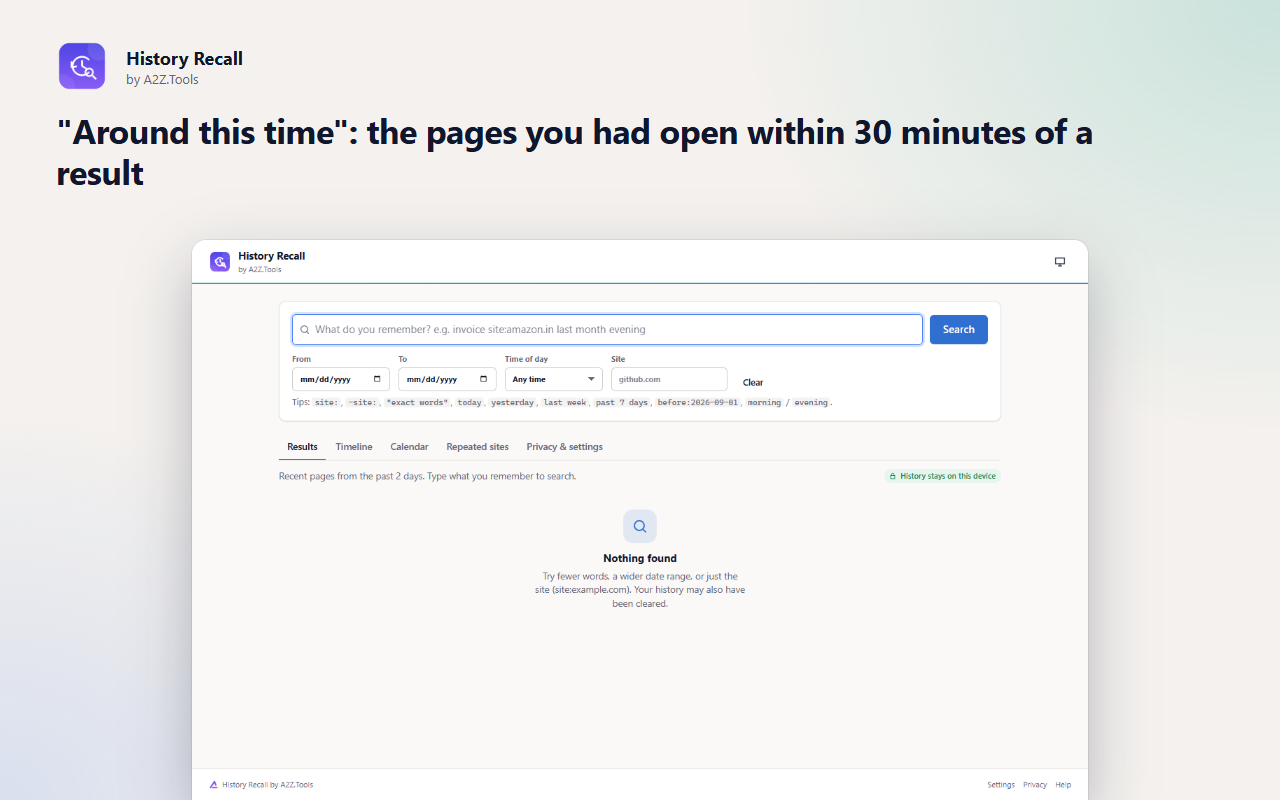
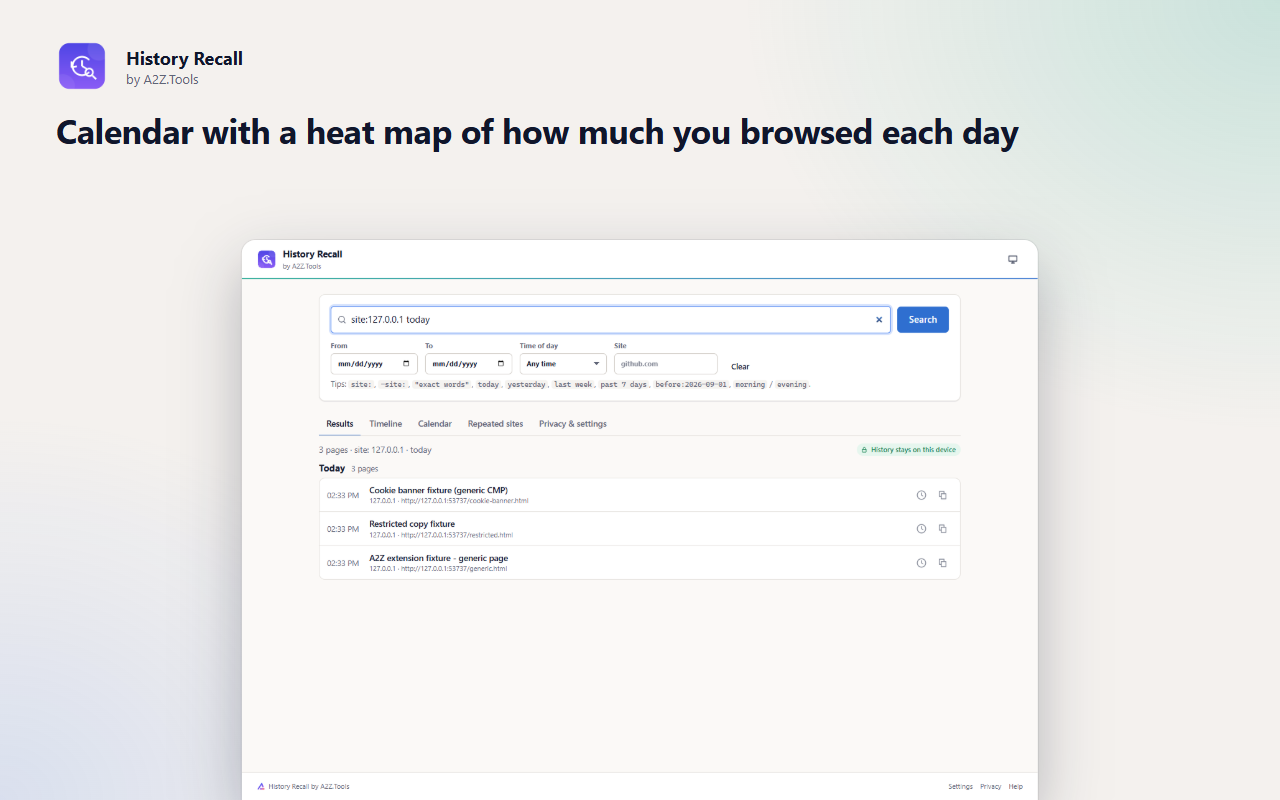
You read it last week, on some site, in the evening - but the browser's history search only matches exact words in titles. History Recall lets you describe what you remember: words, the site, the day, even the time of day.
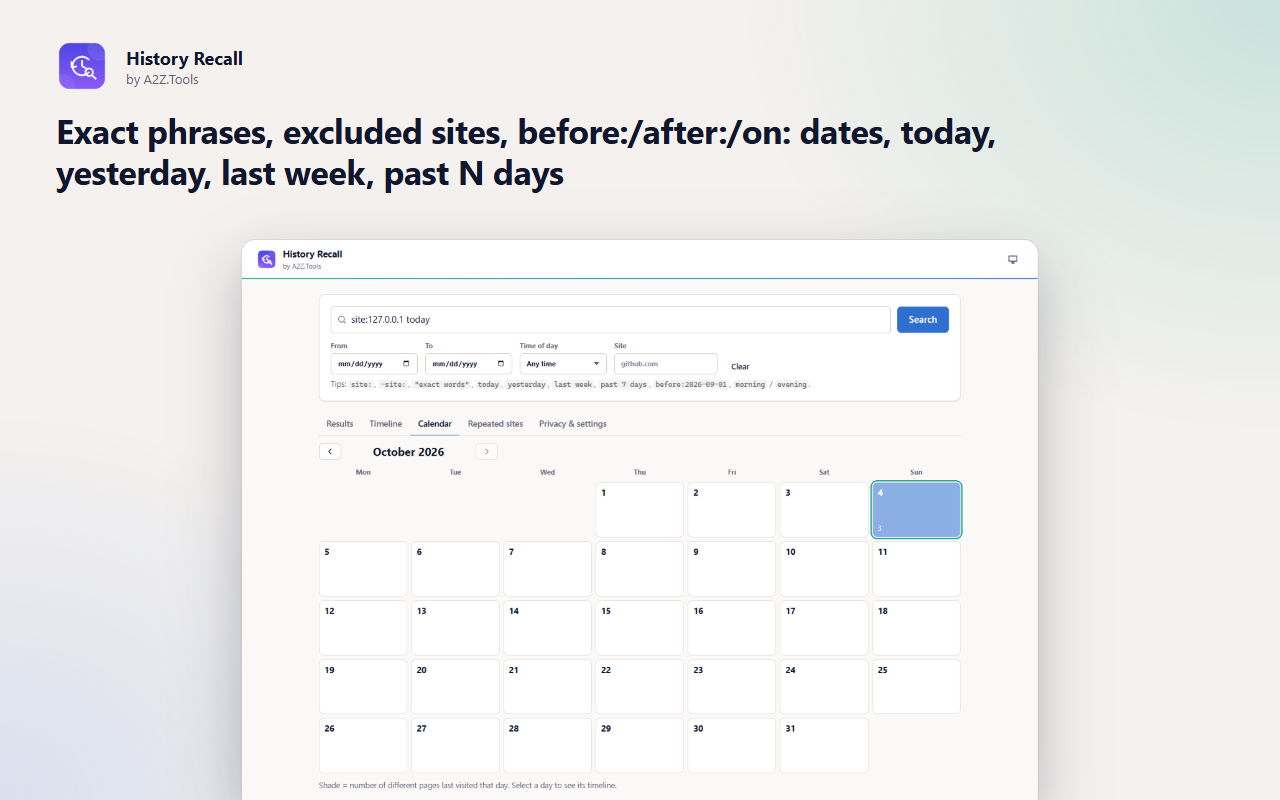
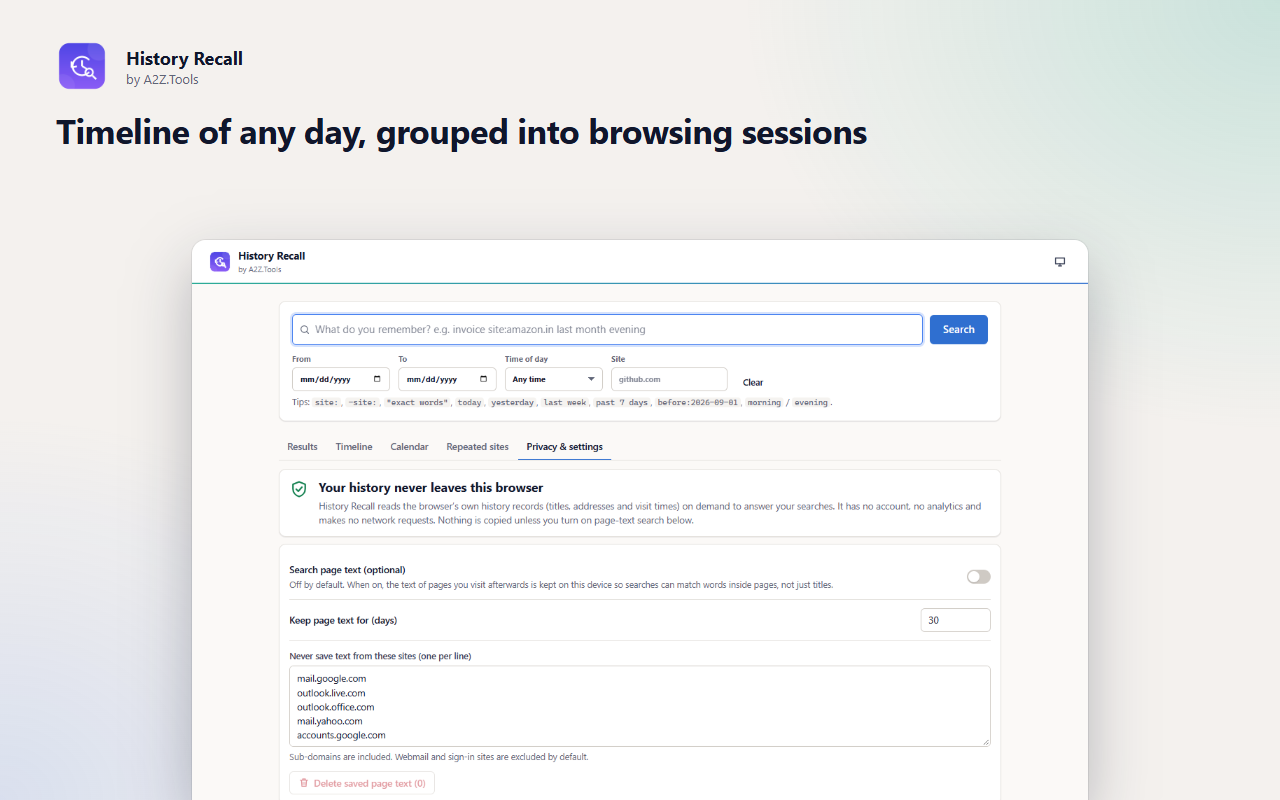
A day-by-day timeline groups your browsing into sessions, a calendar shows when you were busy, and "around this time" reveals the other pages you had open when you found something - often the fastest way back to the page you actually want.
Everything runs on your device against the history your browser already keeps. There is no account and no network access. If you want, you can switch on searching inside page text; it is off by default and stays on your computer.
Shortcuts can be changed in your browser's extension shortcut settings.
History Recall searches the browser's own history on your device. It never uploads, syncs or analyses your history. Optional page-text search is off by default and stores text only in this browser.
Browser history metadata (titles, addresses, visit times) when you use the extension. Only if you turn on page-text search: the visible text of pages you visit afterwards, excluding pages with a password field, excluded sites and private windows.
Settings in storage.local. Optional page text in IndexedDB inside the extension (up to 20,000 characters per page, 5,000 pages, 30 days by default).
None. History Recall makes no network requests.
History itself is managed by your browser. Saved page text is deleted after the retention period you choose, when you purge it, when you turn the feature off (you are asked), or when you uninstall.
No account, no analytics, no advertising, no selling or sharing of data, and no remotely hosted code.
Reads your browser history (page titles, addresses and visit times) when you search, open the timeline or calendar. It never changes or deletes history.
Saves your settings in this browser profile.
Runs a daily clean-up that deletes saved page text older than your retention period (only relevant if page-text search is on).
Optional, asked only if you turn on page-text search: registers the small script that reads the text of pages you open so it can be searched later.
Optional, asked only if you turn on page-text search: lets that script read the visible text of the pages you visit. Off by default; turning the feature off removes this access.
| Browser | Minimum version | Store |
|---|---|---|
| Google Chrome |
120 | Coming soon |
| Microsoft Edge |
120 | Coming soon |
| Mozilla Firefox |
140.0 | Coming soon |
No. It makes no network requests at all. It reads the history your browser already stores, only when you search.
You can combine words with a site, a date range and a time of day, view a timeline grouped into sessions, see what you had open around the same time, and browse a calendar.
Only if you turn on page-text search. It is off by default, needs your permission, skips sign-in pages and excluded sites, and keeps the text on your device for 30 days by default.
Browsers delete old history automatically (Chrome and Edge keep about 90 days). History Recall can only search what the browser still has.
Coming soon
Fix years of bookmark clutter, safely.

Coming soon
Restore normal copy, paste and right-click on sites that block it.

Coming soon
Turn cluttered pages into comfortable reading.
Questions, bugs or ideas for History Recall? Contact the A2Z Tools team.