
LinkGuard
Coming soon
Know where a link really goes before opening it.
- Chrome
- Edge
- Firefox

Browser extension by A2Z Tools
Say no to non-essential cookies once, everywhere.
Automatically chooses "reject all" or "necessary only" on cookie banners that offer it, with a log of every choice.
 Chrome Web StoreComing soon for Chrome
 Microsoft Edge Add-onsComing soon for Edge
 Firefox Add-onsComing soon for Firefox
We are preparing the store listings. The buttons switch on as soon as each store approves the extension; there are no unofficial downloads.
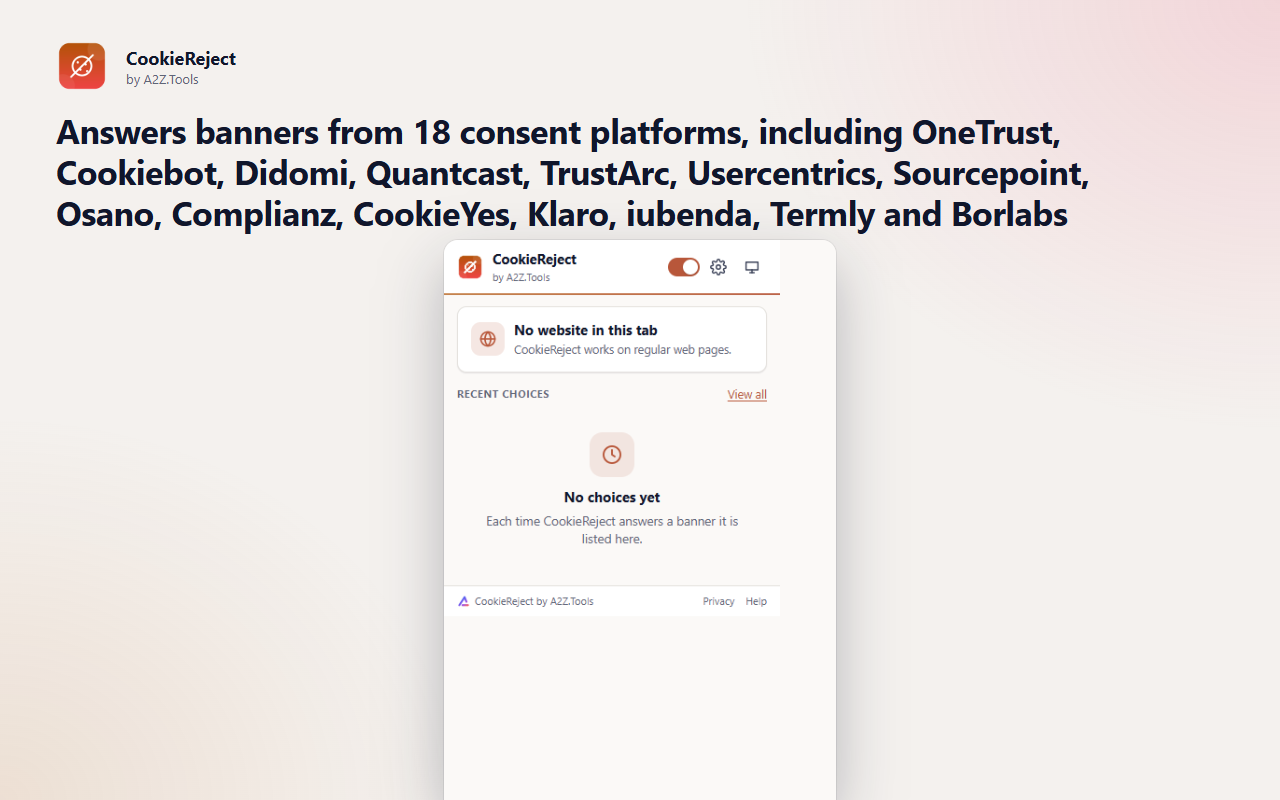
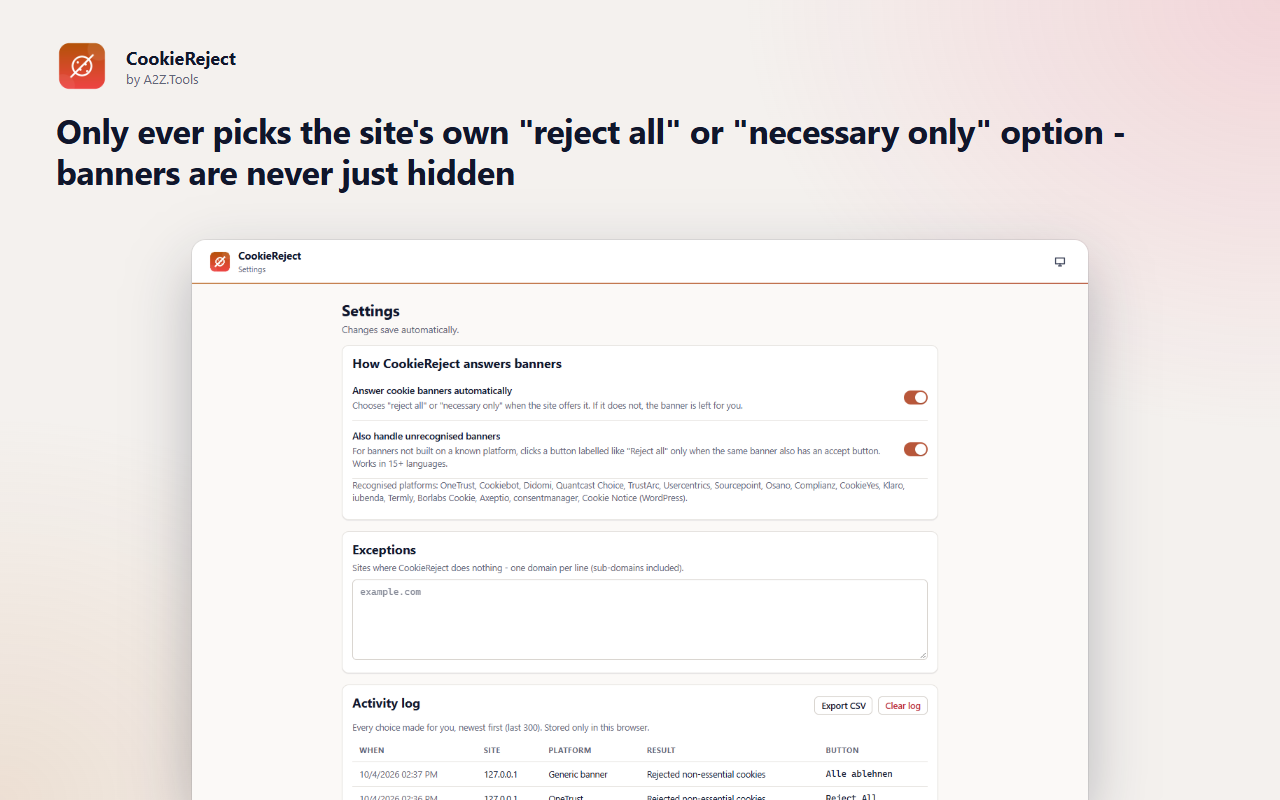
Most websites ask the same cookie question on every visit, and many make "reject" harder to find than "accept". CookieReject answers for you: when a banner offers "reject all" or "necessary only", it chooses that option, using the site's own button so your choice is recorded properly.
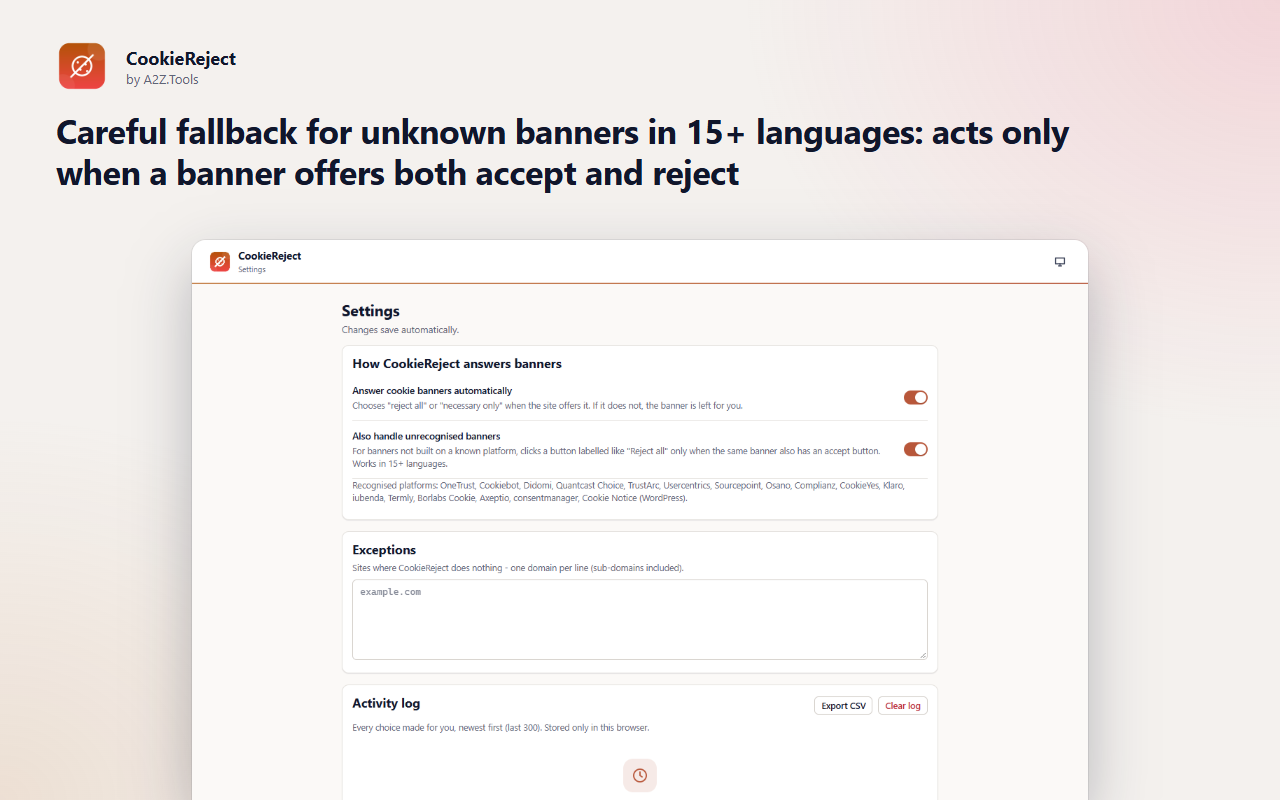
It recognises the consent platforms most sites use and falls back to a careful, multilingual check for other banners - it only clicks when a banner clearly offers both accept and reject. Banners without a legitimate reject option are left for you; CookieReject never just hides them.
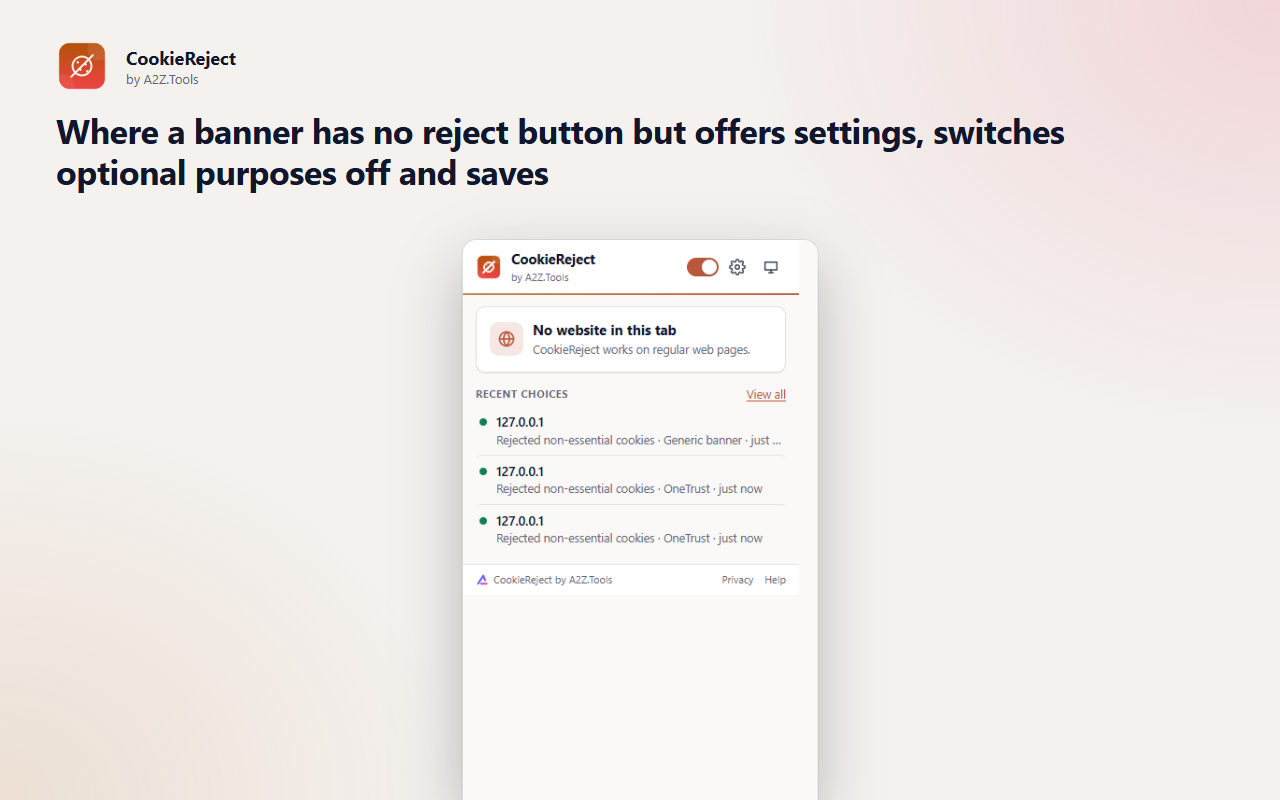
Every choice is logged on your device, and you can make exceptions for sites where you prefer to decide yourself.
CookieReject runs entirely on your device: it looks for consent banners, clicks the site's own reject option and keeps a local log. It has no network access, no analytics and no account.
On each page, for a few seconds after load: whether a cookie banner is present and the labels of its buttons. The log stores the site name, the platform, the result and the button label.
storage.local in this browser profile: settings, exception list and the activity log (last 300 entries).
None. The "report unsupported banner" feature only prepares text for you to copy; it sends nothing.
Log entries roll off after 300; clear them any time in Settings, or remove the extension.
No account, no analytics, no advertising, no selling or sharing of data, and no remotely hosted code.
Saves your settings, the sites you made exceptions for and a log of the choices made for you (last 300), on this device.
Runs inside web pages on: http://*/* and https://*/*.
| Browser | Minimum version | Store |
|---|---|---|
| Google Chrome |
120 | Coming soon |
| Microsoft Edge |
120 | Coming soon |
| Mozilla Firefox |
140.0 | Coming soon |
No. Hiding a banner leaves no choice recorded, and many sites then fall back to their defaults. CookieReject clicks the site's own reject or necessary-only option so the choice is stored by the site.
If the banner offers settings, CookieReject switches optional purposes off and saves. If there is no legitimate way to decline, it leaves the banner for you.
It never clicks a button whose label reads as accept or allow all. Unknown banners are only handled when they show both an accept and a reject button.
No. It has no network access. The activity log stays in your browser.
Open the popup, press "Report unsupported banner", copy the text and send it through the A2Z.Tools contact page.
Coming soon
Know where a link really goes before opening it.

Coming soon
Know when an email tries to track you.

Coming soon
Restore normal copy, paste and right-click on sites that block it.
Questions, bugs or ideas for CookieReject? Contact the A2Z Tools team.